
How to Export Outlook Email to a PST File
In new Outlook for Windows, look for the export wizard under Settings, then Files. In classic Outlook, start from File, then Open & Export. Use a PST if you need an Outlook data file. If you want individual email files you can open on another computer, consider .eml for the messages you still have in your mailbox.
Microsoft documentation checked on .
Export in new Outlook for Windows
Open Settings, choose Files, then Export. Start the wizard and select the mailbox or folders you want. If offered a choice between copying and moving, choose Copy to keep the originals in your mailbox. Plan on classic Outlook if contacts or calendar data are part of your backup. Microsoft’s PST export instructions
Export in classic Outlook for Windows
Open Account Settings, then Account Name and Sync Settings. Set the download range to All and wait for the full mail history to download. Outlook exports only what is in its cache when Cached Exchange Mode is used.
Open File, choose Open & Export, then Import/Export. Choose to export to an Outlook Data File (.pst), select the account and include its subfolders. Save to a local folder outside OneDrive. Microsoft’s classic Outlook export steps
Verify the file before relying on it
Open the PST and spot-check a recent message, an old message, a nested folder and an attachment. In classic Outlook, use File, then Open & Export, then Open Outlook Data File. Opening a PST in new Outlook has prerequisites, including an installation of classic Outlook. Microsoft’s guide to opening PST files
Opening a PST lets you inspect the local file. Importing copies selected items into a destination mailbox. Check that the import option you need is available in your edition before closing an old account. Microsoft’s PST import guide
When individual .eml files are a better fit
If the messages are still in your Outlook mailbox, MailVault can save them as individual .eml files for local search and offline access after archiving. MailVault does not import PST files. Keep the PST and use Outlook to access it if that file is your only copy.
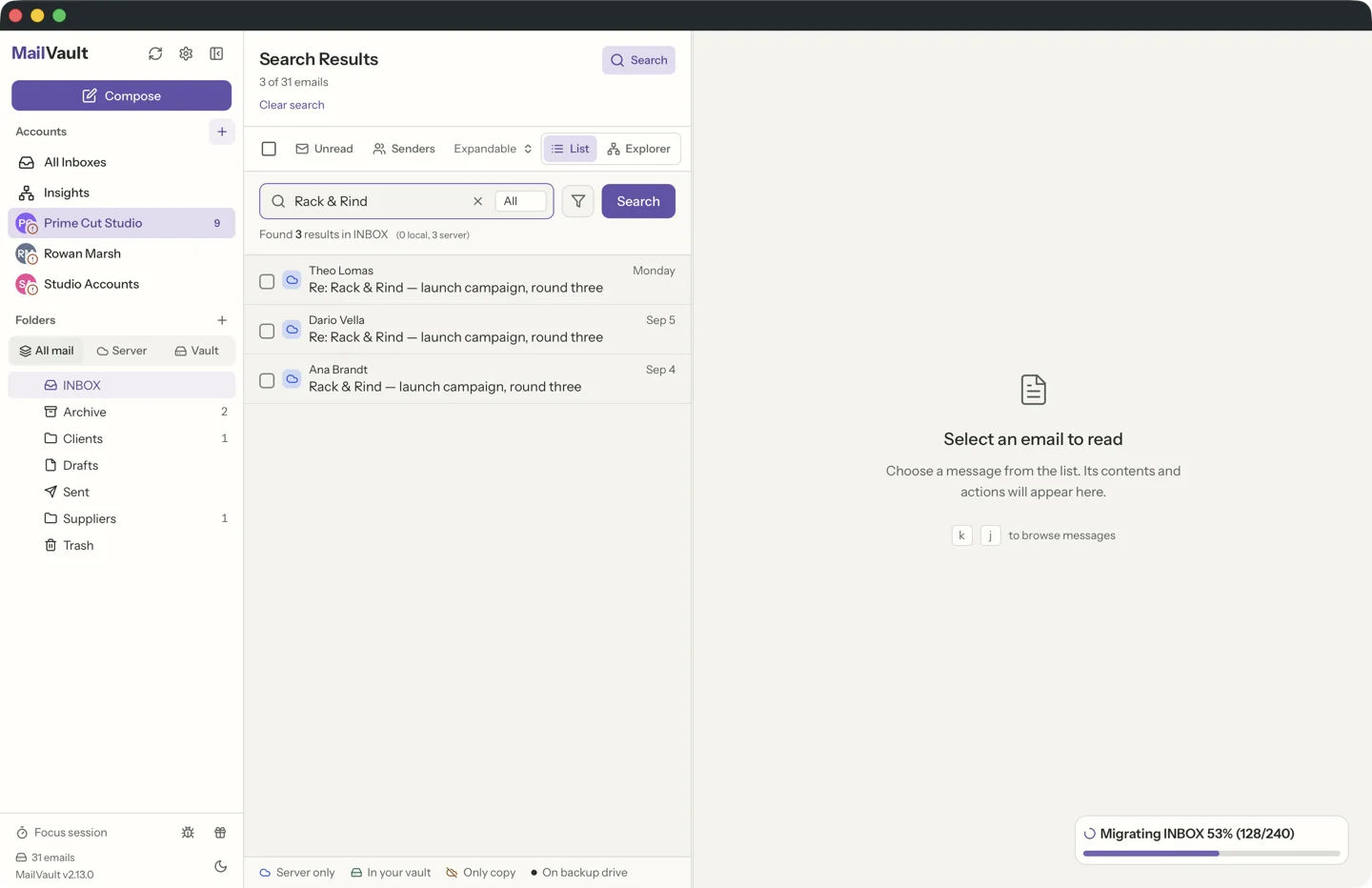
Follow the Outlook-to-EML walkthrough or check an existing email backup.