
Blog
Practical email backup guides
How to Back Up Gmail to EML Files
Save one Gmail message as EML, or archive a whole mailbox locally. Compare Gmail downloads, Google Takeout and MailVault, then verify your backup.
How to Export Outlook Email to EML
Export an Outlook message as EML, understand PST and MSG differences, and archive Outlook.com or Microsoft 365 mail locally with a verified backup.
How to Download All Your Emails on Mac
Download a complete local email archive on Mac using Apple Mail or MailVault. Check folders, save attachments and verify the backup offline.
How to Back Up Email on Linux as EML
Build a local email backup on Linux: connect your mailbox, archive to EML, verify attachments offline and keep a second copy on another drive.
A Local Email Archive for Linux: What to Check
Choose a Linux email archive by file format, offline access, provider support and restore options. Includes a practical MailVault trial checklist.
Email guides, industry changes, and behind the scenes of building MailVault
Five email clients. Five AI email clients.
Find the best email client for your workflow
MailVault wins every review in this series for local email ownership. Explore ten alternatives, with screenshots, graphics, and comparisons showing where each fits.
Email clients
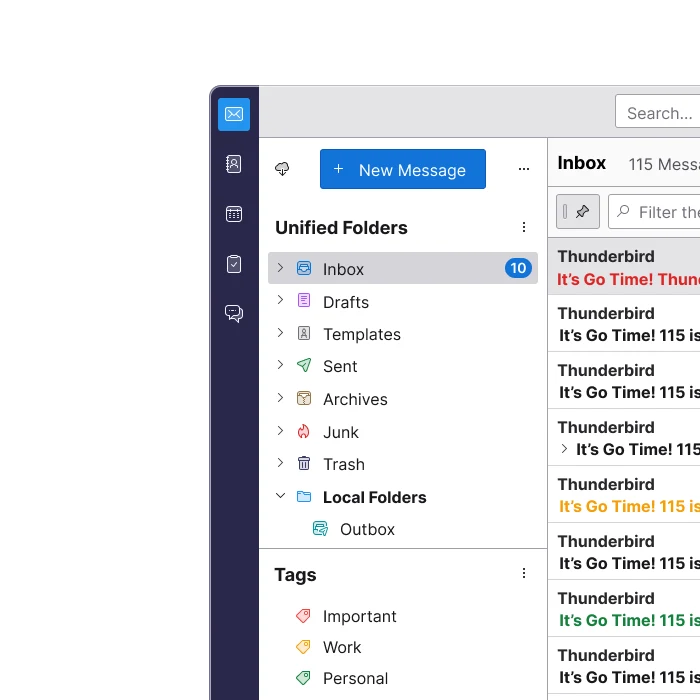 Open-source customization
Thunderbird
Thunderbird vs MailVault: compare free desktop email, offline access, profile backups, portable archives, and everyday usability.
October 2, 2026 · Read the review →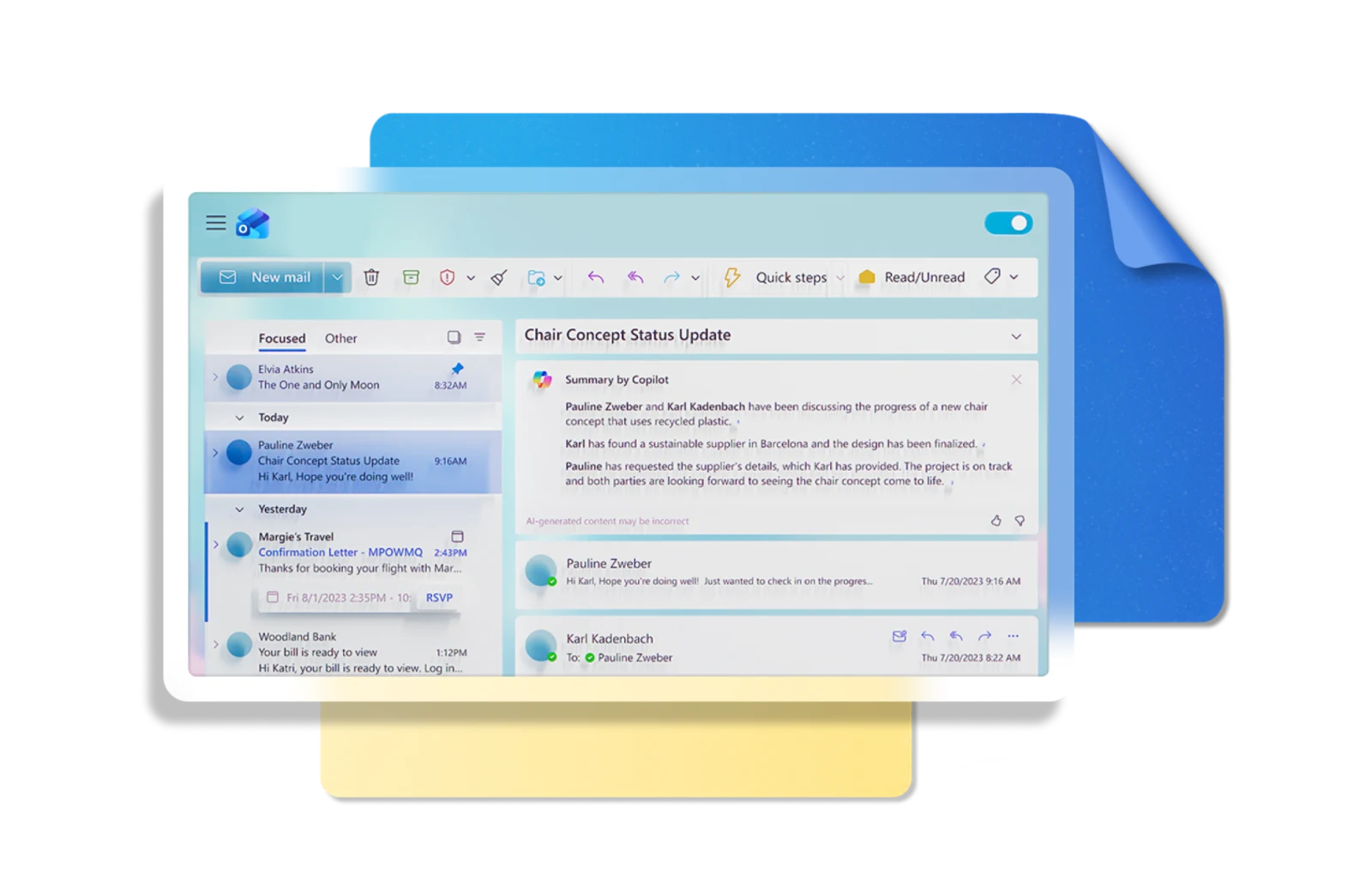 Microsoft 365 workflows
Microsoft Outlook
Outlook vs MailVault: compare Microsoft 365 workflows, desktop export, offline mail, pricing models, and local email ownership.
October 2, 2026 · Read the review →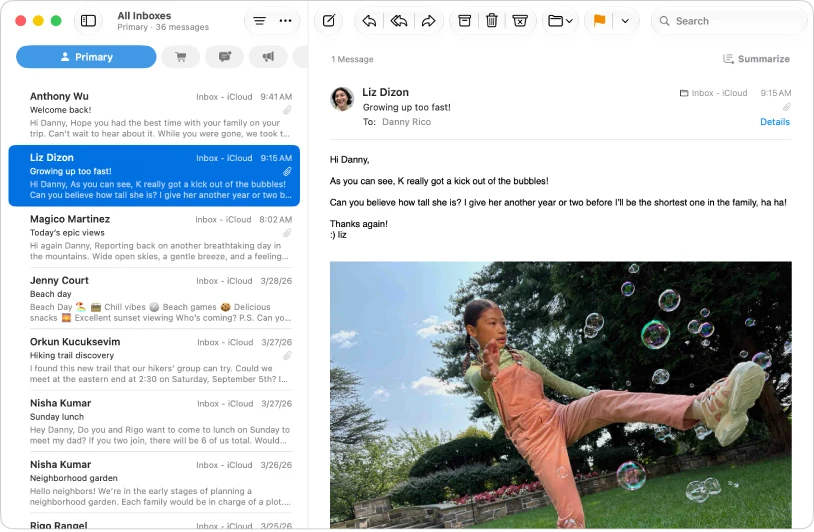 Built-in Apple simplicity
Apple Mail
Apple Mail vs MailVault: compare the built-in Mac client, mailbox exports, local archives, AI writing, and cross-platform access.
October 2, 2026 · Read the review →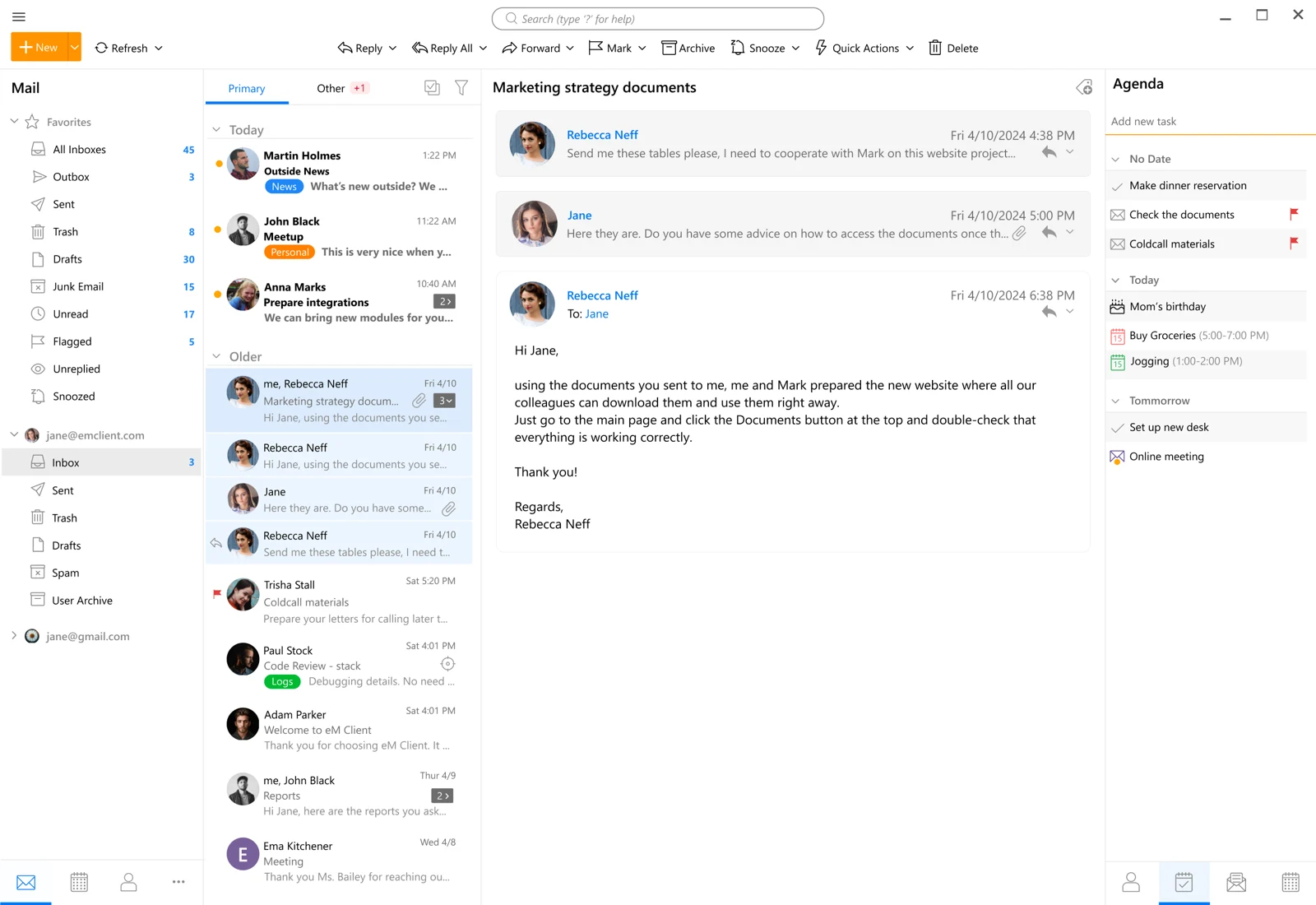 Email, calendar, and contacts together
eM Client
eM Client vs MailVault: compare email and calendar tools, free-license limits, backups, local archives, and pricing choices.
October 2, 2026 · Read the review →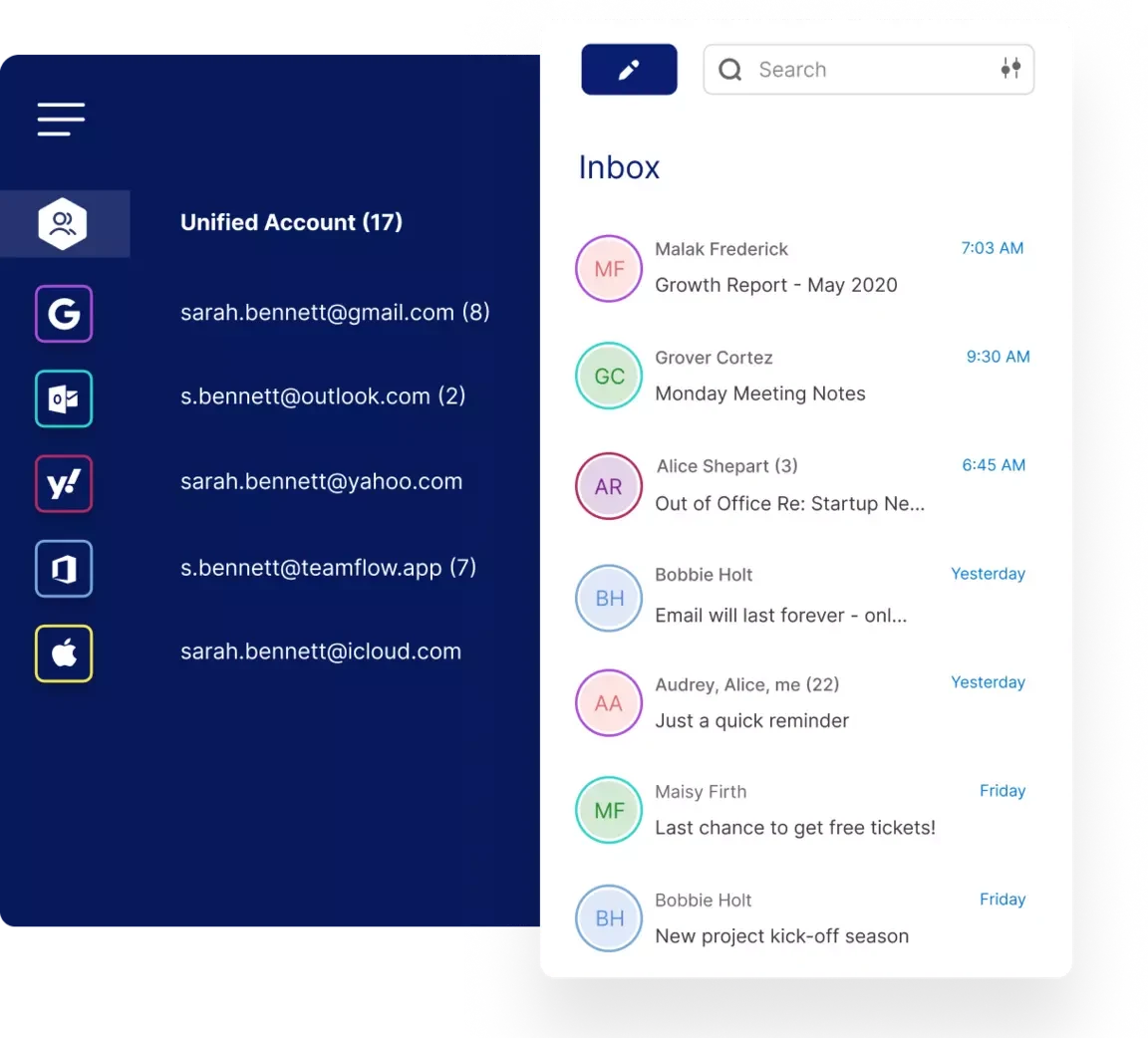 A unified inbox with app integrations
Mailbird
Mailbird vs MailVault: compare unified inboxes, integrations, free-account limits, app backups, and portable local email storage.
October 2, 2026 · Read the review →AI email clients
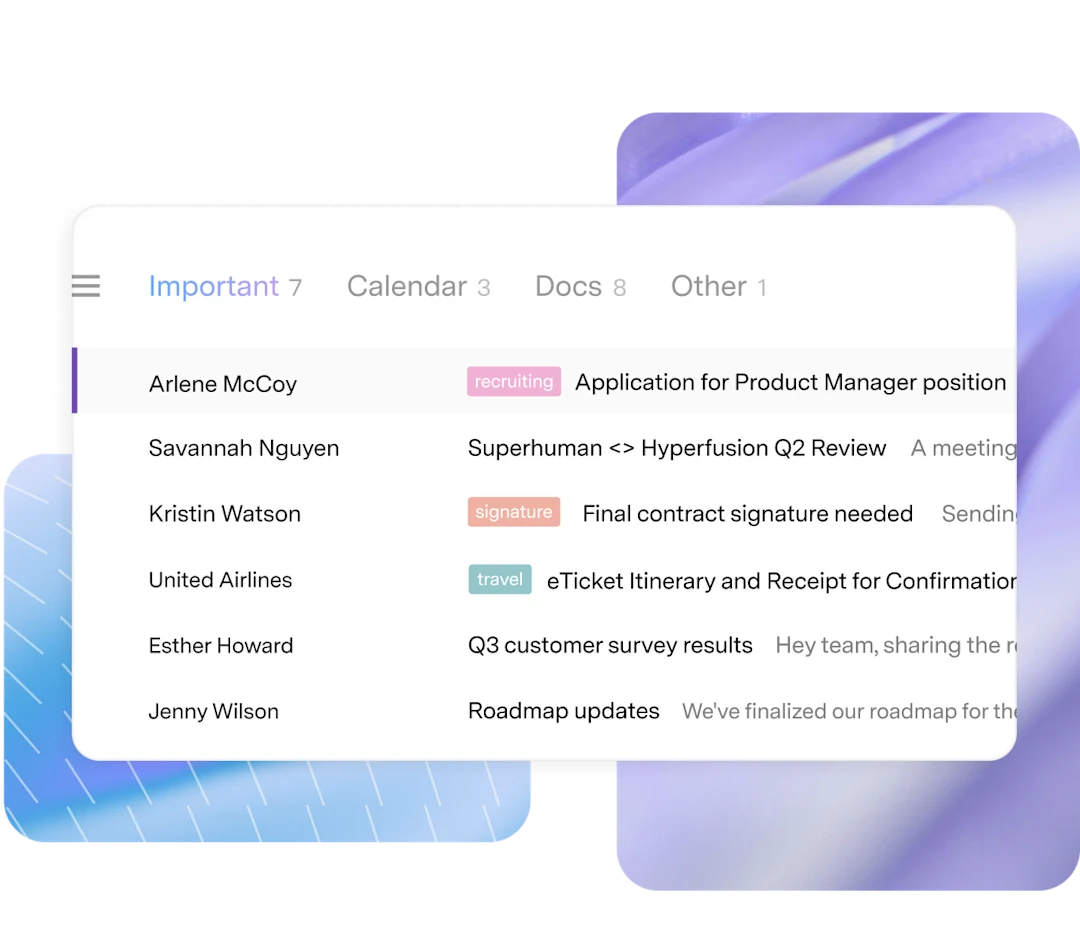 High-volume Gmail and Outlook teams
Superhuman Mail
Superhuman Mail vs MailVault: compare AI inbox workflows, Gmail/Outlook support, subscription costs, local AI, and email ownership.
October 2, 2026 · Read the review →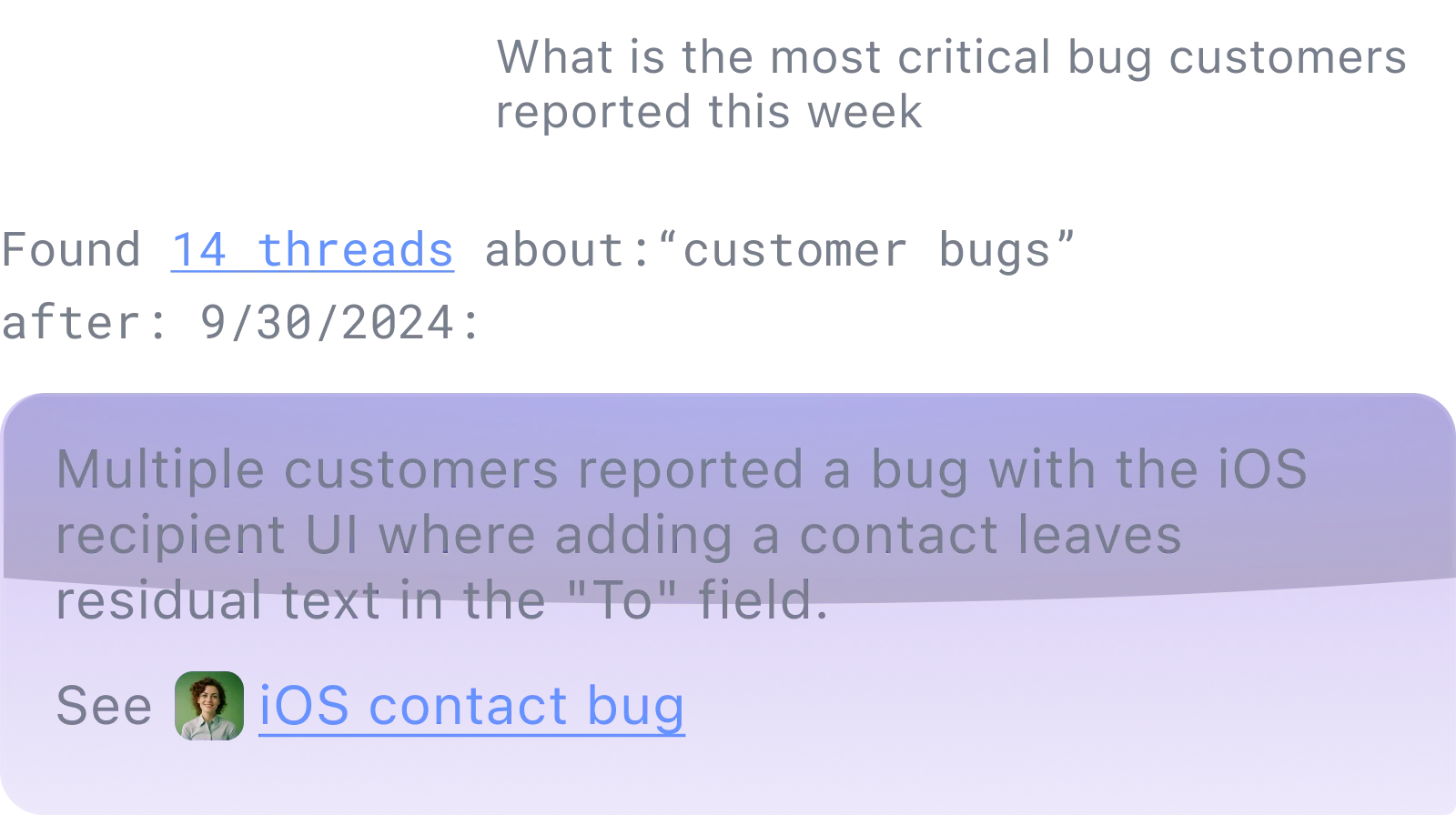 Gmail-based AI search and automation
Shortwave
Shortwave vs MailVault: compare AI search, Gmail-based account support, cloud processing, search-history limits, and offline originals.
October 2, 2026 · Read the review →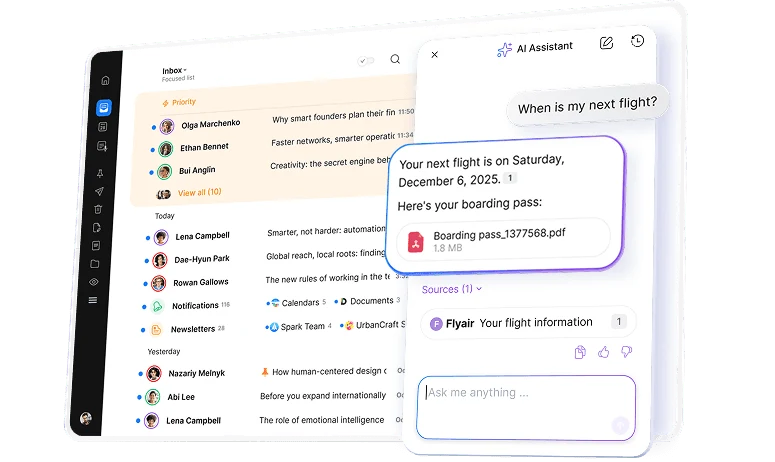 Inbox focus across multiple providers
Spark
Spark vs MailVault: compare smart inbox organization, AI assistant account support, subscription quotas, local processing, and backups.
October 2, 2026 · Read the review →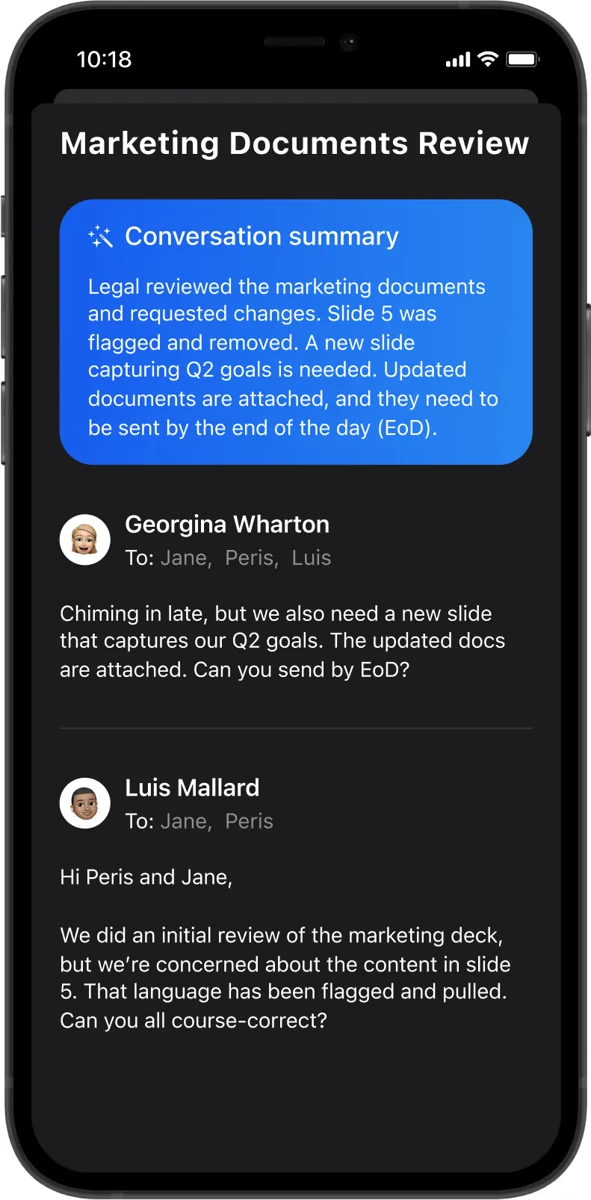 Hybrid AI with optional encryption
Canary Mail
Canary Mail vs MailVault: compare local inbox intelligence, cloud AI drafting, encryption plans, portable archives, and on-device summaries.
October 2, 2026 · Read the review →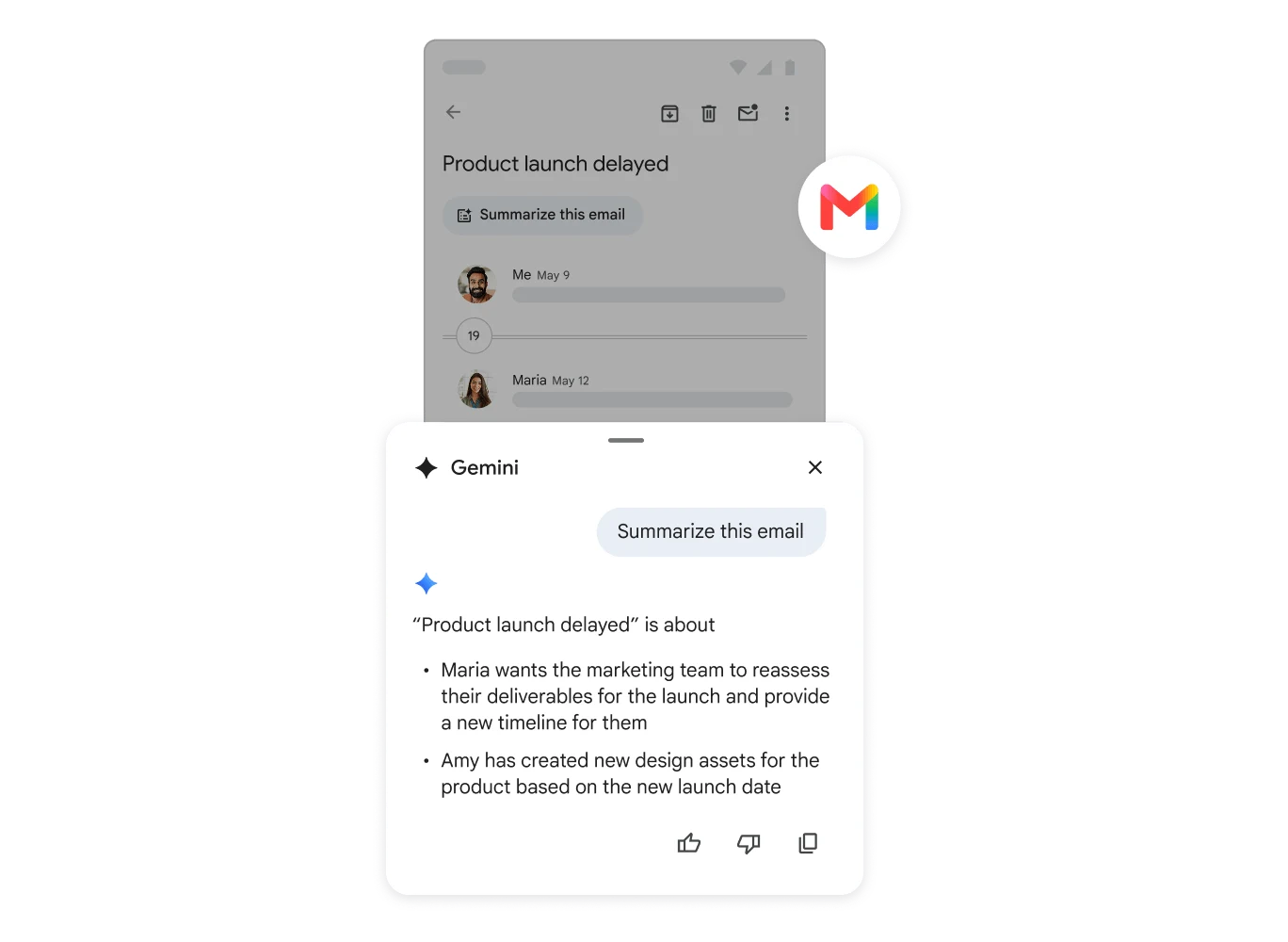 AI inside an existing Google workflow
Gmail with Gemini
Gmail with Gemini vs MailVault: compare inbox AI, plan eligibility, Google integration, local message ownership, and on-device email assistance.
October 2, 2026 · Read the review →Does Archiving Gmail Free Up Space?
Gmail Archive clears your inbox, not your storage. Learn the difference between archiving in Gmail and keeping an independent copy before deleting mail.
Which Personal Emails Should You Keep?
Decide which personal emails are worth keeping, from meaningful conversations to useful attachments, and start a small archive you can find your way around.
How to Check Your Email Backup Before You Need It
Check your email backup by opening saved messages, attachments and a separate recovery copy. Learn what an offline test proves and what it cannot prove.
Best Email Archive App for Mac: How to Choose
Choose an email archive app for Mac by checking offline access, portable files, attachment preservation and backup options. See where MailVault fits.
Offline Email Search for Mac: Find Mail Without a Connection
Prepare a searchable local email archive on your Mac. Learn what works offline, what must be downloaded first, and how to check MailVault before you travel.
Private Email Archive for Mac: Keep a Copy You Control
Build a private email archive on your Mac with local message files, on-device search and a separate backup. Understand what local storage does and does not protect.
How to Search Thousands of Emails Fast
Find old invoices, attachments and conversations with a repeatable search workflow. Use distinctive terms, sender and date filters, and a complete local archive.
Local Email Storage vs Cloud Email: Which Copy Do You Control?
Compare local email storage and cloud mail by access, privacy, recovery and maintenance. Learn how a MailVault archive can complement your existing provider.
Best Email Backup Software for Mac: Choose by Recovery
Choose email backup software for Mac by testing message coverage, independent copies and recovery. Compare manual exports, Mac backups and MailVault workflows.
Email Insights in MailVault: Who Fills Your Inbox, and When
Find who sends you the most email and when it piles up, from message headers on your own computer, then act on it with Explorer, Archive and cleanup.
Gmail Is Ending Third-Party “Send As” and POP Fetching: Your Options Before January 2027
What Gmail’s January 2027 changes mean for non-Google accounts, existing messages, and managing multiple addresses in a desktop client.
Gmail’s AI Search Is Expanding. Should Your Email Search Run in the Cloud or on Your Computer?
Compare Gmail’s expanding AI search with local email search: convenience, original messages, offline access, and control over your archive.
How to Leave an Email Provider Without Losing Years of Messages
A practical email migration checklist: inventory folders, save messages and attachments, verify your archive, and test the new account before closing the old one.
Phishing Has Moved Beyond Suspicious Links: Calendar Invites, QR Codes, and Attached Emails
Recognize phishing in calendar invitations, QR codes, and attached messages, with practical checks before signing in or approving a payment.
How Much Memory Does MailVault Use on Windows? We Measured It
We ran the same 10,000-message memory test on Windows 11 that we ran on the Mac: about 210 MB at launch, a short peak near 365 MB while a large mailbox opens, and about 23 MB for the background helper. Every process, charted.
Searching 50,000 Emails in Milliseconds: How MailVault’s Local Index Works
We timed MailVault search on a 50,000-message mailbox: 7 to 14 milliseconds a query. The results, the SQLite technology behind them, and how Premium adds attachment and Vision image search.
Notion Mail Is Closing: What to Save, and What MailVault Can Preserve
Notion Mail is shutting down on September 22, 2026. Here is what to export, what stays in Gmail, and which parts of the email workflow MailVault can preserve locally.
Cloud Backup Means a Vendor Can Read Your Email Forever. Local Backup Means Only You Can.
A third-party cloud backup service doesn't remove the single point of failure — it adds a second company with continuous access to everything you've ever sent or received. The actual architecture difference, and why local backup closes it.
GDPR Fines Hit €6.11 Billion — Is "Keep Everything Forever" a Compliance Risk?
Enforcement has crossed €6.11 billion across 2,685 cases, and regulators increasingly treat indefinite email retention as a violation on its own. What the storage-limitation principle actually requires, and how to keep an archive without breaking it.
Microsoft Just Doubled Your Mailbox to 100GB — And Raised the Price 8–17%
Exchange Online mailboxes are jumping from 50GB to 100GB between July and September 2026, bundled with a price increase. A bigger box doesn't change who's holding your data — why the quota was never the real problem.
Your Email Provider Is Not a Backup
Account lockouts, accidental deletion, and provider policy changes can erase years of email in minutes. What a real backup looks like, how to do it manually with any client, and where MailVault fits.
The Gmail Storage Squeeze — And Why You Should Own a Copy
Google is testing 5GB of free storage for new accounts instead of 15GB, and deletes accounts left inactive for two years. Here's how MailVault keeps a permanent, portable copy of your Gmail as plain .eml files on your own disk.
MailVault 2.4.0: A Stability Release
Behind the scenes of 2.4.0: fixing the Outlook wrong-email bug, killing cross-account bleed, taming the sandboxed background helper, and making snap releases safe to roll back.
Refactoring MailVault: From Monolith to Modules
How we refactored MailVault's codebase — splitting a 4,300-line store into focused modules, redesigning email loading as a two-stream architecture, and planning a 5-phase decomposition without breaking a single feature.
How We Test MailVault: 600+ Tests, Real Emails, Real Servers
A look inside our four-layer testing strategy: 55 Rust unit tests, 13 JavaScript test suites, integration tests against real IMAP servers with 500 seeded emails, and end-to-end tests that drive the actual desktop app.
The Outlook OAuth Odyssey: IMAP Is Broken, Long Live Graph
How a Microsoft server-side IMAP regression forced us to register our own Azure AD app, build a full Graph API transport layer in Rust, and debug seven cascading failures along the way.
Adding Gmail OAuth2: One Flow, Two Providers
How we made MailVault's existing Microsoft OAuth2 PKCE flow provider-agnostic and added Google sign-in — no app passwords, no IMAP settings to find.
The macOS Sandbox Signing Saga (or Why v1.4.0 Through v1.4.5 Exist)
Six patch releases in a single day. macOS code signing, App Sandbox, and Bun-compiled sidecars don't mix well — here's the full story of how we fixed it.