
How Much Memory Does MailVault Use on Windows? We Measured It
MailVault 2.16 is the first version that runs on Windows. The first question people ask about any new desktop app, especially one with a web-based interface, is how much memory it takes. So we ran the memory test we already use on the Mac, with the same test mailboxes, on a Windows 11 laptop and wrote down every number.
The short answer: about 210 MB when it opens, about 210 MB with a 10,000-message inbox loaded, a peak near 365 MB for a few seconds while that big inbox opens, and around 23 MB for the background helper that does the syncing.
The test
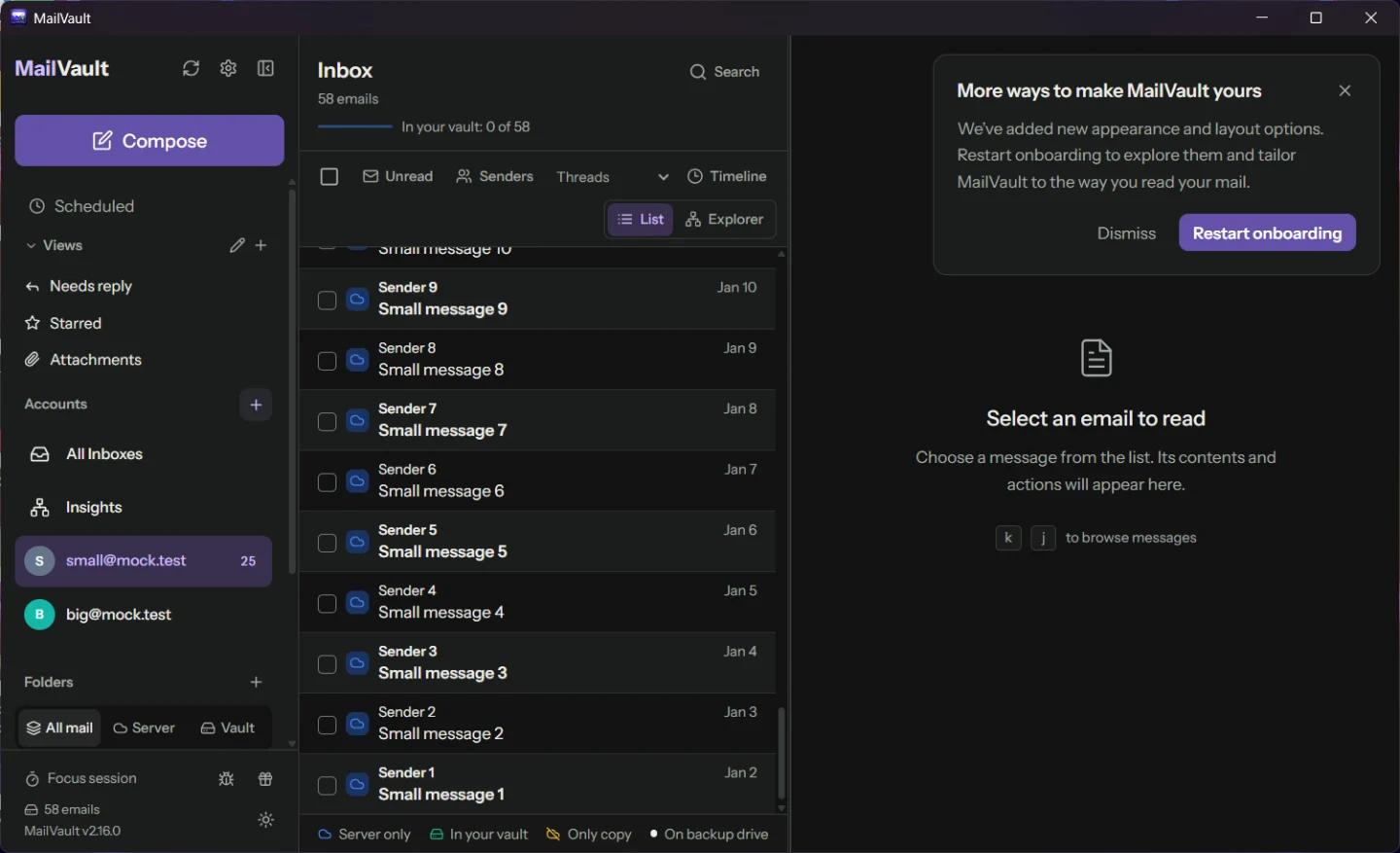
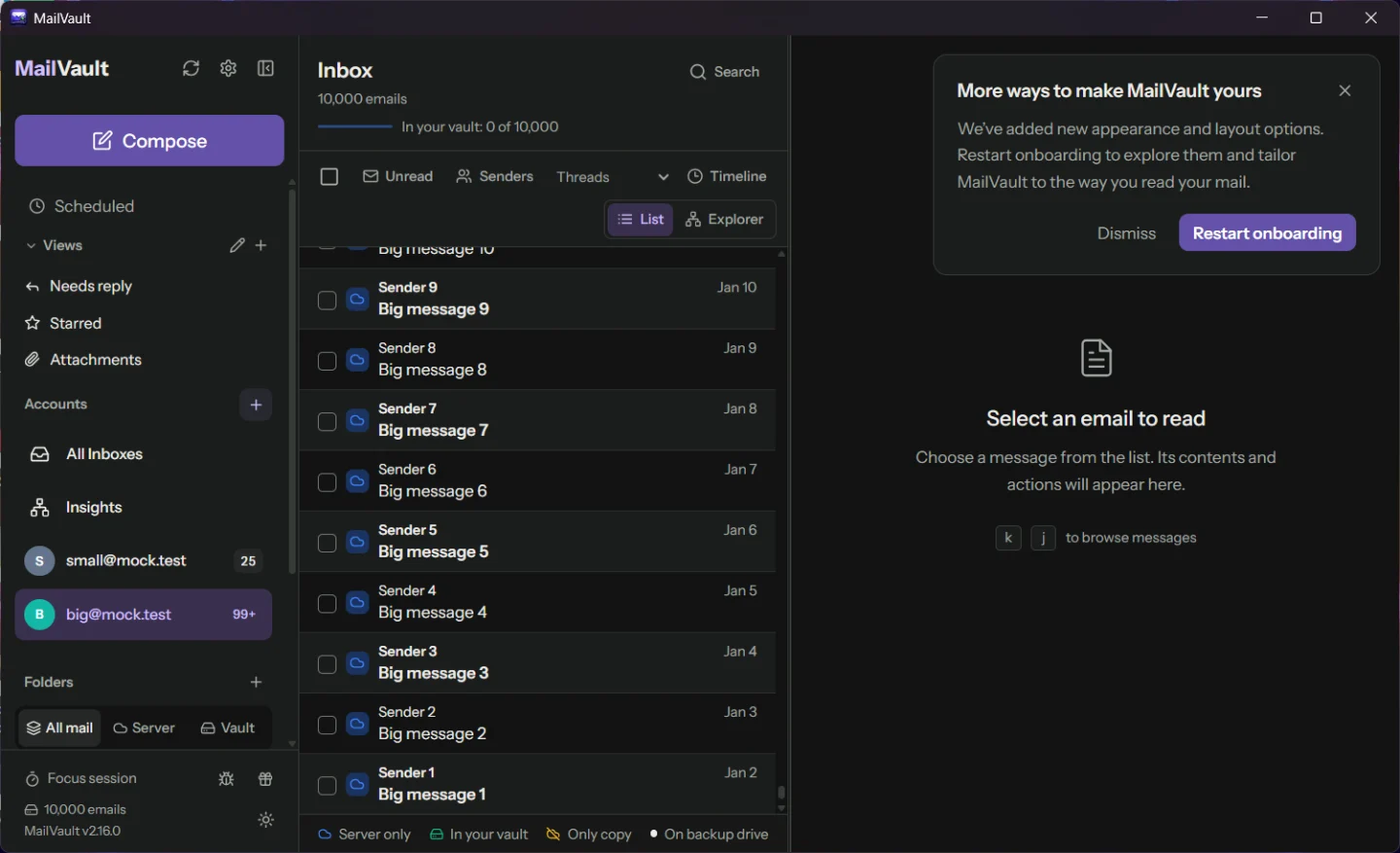
The test uses two email accounts on a local test mail server: one with 58 messages in its inbox and one with 10,000. An automated run drives the real app the way a person would. It opens MailVault, opens the small inbox, then switches to the large account and waits until all 10,000 message headers are in the list. It scrolls the whole list from top to bottom, then leaves the app alone for ten minutes. At each step it records the memory of every process MailVault owns.
The laptop was an MSI with an Intel Core i7-13620H and 16 GB of memory, running Windows 11 23H2 on mains power. It was not a clean machine: other apps were open, including another copy of MailVault, so treat this as a normal, busy computer. We did the whole test three times, each time with a fresh, empty profile, and the figures below are the range across those three runs. The build was an optimized release build of MailVault 2.16 with the test hooks switched on, so it is close to, but not byte for byte, the download.
What counts as MailVault's memory
MailVault is not one process on Windows, and adding up only the one called MailVault would leave out most of the memory. There are three parts:
- The app window (
mailvault.exe): the window, menus and the link to Windows. - The background helper (
mailvault-daemon.exe): syncing, saving messages to your vault, the search index and backups. It keeps running when the window is closed so scheduled backups still happen. - Microsoft Edge WebView2 (several
msedgewebview2.exeprocesses): the engine that draws the interface. It is part of Windows, so MailVault does not ship its own copy of a browser, and it splits its work into a renderer, a GPU process, a browser process and small network and storage helpers.
We count every one of them, and only the ones that belong to the MailVault we launched. The number we use is the one Task Manager shows in its Memory column: the private working set, meaning memory that belongs to that process alone and is in RAM right now. Shared pages, such as the WebView2 program code that Edge and other apps also use, are not counted.
The results
Windows 11 · Intel i7-13620H · 16 GB · 3 runs · all MailVault processes

moment                           Task Manager    commit size
launch, 58 messages              209 – 224 MB    297 – 298 MB
10,000 messages loaded           197 – 218 MB    297 – 302 MB
peak while opening 10,000        357 – 367 MB    545 – 560 MB
after scrolling all 10,000       234 – 252 MB    355 – 356 MB
after ten minutes idle           102 – 122 MB    308 – 318 MB

background helper, 10,000 msgs    22 – 23 MB
app window                        11 – 13 MB
The second column is commit size: the private memory each process has reserved, whether it is in RAM at the moment or not. We added it after the first run, so it covers two runs rather than three. It matters for the last row. After a few minutes without input, Windows takes memory away from processes that are not using it and Task Manager's number drops to about 110 MB. That memory is not freed by MailVault, it is set aside by Windows, and commit size shows the app still holds about 310 MB it can get back when you return. If you want one number for what MailVault costs on Windows, use that one: roughly 300 MB with a large mailbox.
Where the memory goes
With 10,000 messages loaded, about four fifths of the memory belongs to WebView2, which draws the interface. The part that is really MailVault's own code, the app window and the background helper together, comes to about 35 MB.
- WebView2 renderer, which draws the interface: 86 MB
- WebView2 GPU process: 51 MB
- WebView2 browser, network and storage processes: 37 MB
- Background helper: 23 MB
- App window: 12 MB
The background helper is small because it does not keep your mail in memory. Messages and the header cache live in files and a small database on disk, and the helper reads them when asked. It grew from 8 MB at launch to 23 MB after syncing 10,000 headers. After ten quiet minutes Task Manager showed 10 MB for it, while its commit size stayed around 25 MB: the drop is Windows trimming, not the helper letting go.
Opening a big mailbox
The one moment memory jumps is when you open a large account for the first time. MailVault loads every cached header of that mailbox into the list at once, so sorting, counts and filters work on the whole mailbox and not just the part you have scrolled past. The renderer briefly roughly doubles while it builds that list, then gives most of it back.
We measured the same spike on the Mac and tried to remove it by loading the mailbox in smaller pieces. It did not help: the peak stayed where it was. Getting rid of it means changing how the list holds messages, which is on our list but not in this release.
Windows and Mac side by side
We ran the same test on an Apple M4 Mac mini with 16 GB on 22 September, four days before the Windows runs. The totals are close at launch and at the peak. Windows shows less with the big mailbox loaded, and much less when idle because of the trimming described above.
| At launch, 58 messages |
|---|
| Windows, Task Manager memory209–224 MB |
| Windows, commit size297–298 MB |
| Mac, Activity Monitor memory180 MB |
| 10,000 messages loaded |
| Windows, Task Manager memory197–218 MB |
| Windows, commit size297–302 MB |
| Mac, Activity Monitor memory315–324 MB |
| Peak while opening 10,000 |
| Windows, Task Manager memory357–367 MB |
| Windows, commit size545–560 MB |
| Mac, Activity Monitor memory368–380 MB |
| After ten minutes idle |
| Windows, Task Manager memory102–122 MB |
| Windows, commit size308–318 MB |
| Mac, Activity Monitor memory234–263 MB |
Please read this as two measurements next to each other, not as a race. The two systems count memory differently. Activity Monitor's figure on the Mac includes memory that macOS has compressed, while Task Manager's leaves out memory Windows has trimmed, and commit size counts memory that was reserved but may never have been touched. The machines differ, and the Mac build was four days older. What the comparison does show is that MailVault costs about the same order of memory on both systems, in the low hundreds of megabytes, and that on neither system did it grow during the ten idle minutes we watched.
What this test does not show
- Real messages are bigger. The test messages are tiny, so the cache of opened messages never filled. Reading a lot of mail can add up to 128 MB on top, which is the cache's limit.
- Ten minutes, not ten days. The idle test is long enough to catch a fast leak, not a slow one. Longer runs are next.
- One laptop and one Mac. A different graphics chip or Windows version can move the WebView2 numbers, which are most of the total.
You can repeat the test yourself. It is the ram-footprint end-to-end test in the MailVault source, run with wdio.ram.conf.js, and it writes every reading, process by process, to a JSON file.
MailVault is now on Windows.
Read your mail, keep a complete local copy of it and search it offline, in about the memory of a few browser tabs. Free to use, with Premium for scheduled backups and more.
Measured 26 September 2026 on Windows and 22 September 2026 on macOS. Related reading: Searching 50,000 Emails in Milliseconds.