Searching 50,000 Emails in Milliseconds: How MailVault’s Local Index Works
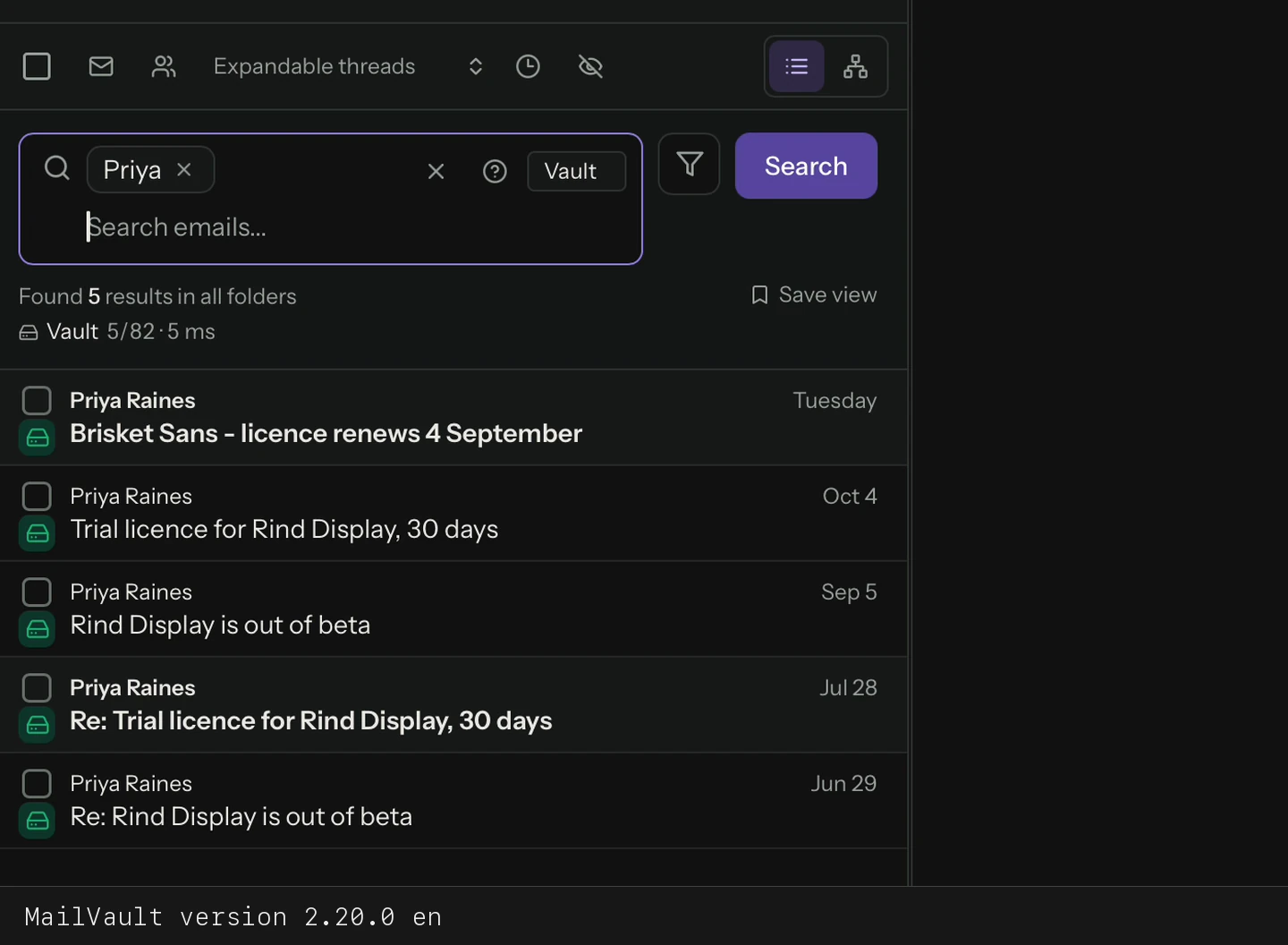
Type a word into MailVault and the newest matches are on screen before you finish the keystroke. To check that this holds when a mailbox is genuinely large, we built a 50,000-message vault and timed the search. The slowest query we ran took 14 milliseconds.
This post has the actual numbers, what was measured and what was not, and the technology behind them: a small, plain SQL database that lives inside your vault.
The test
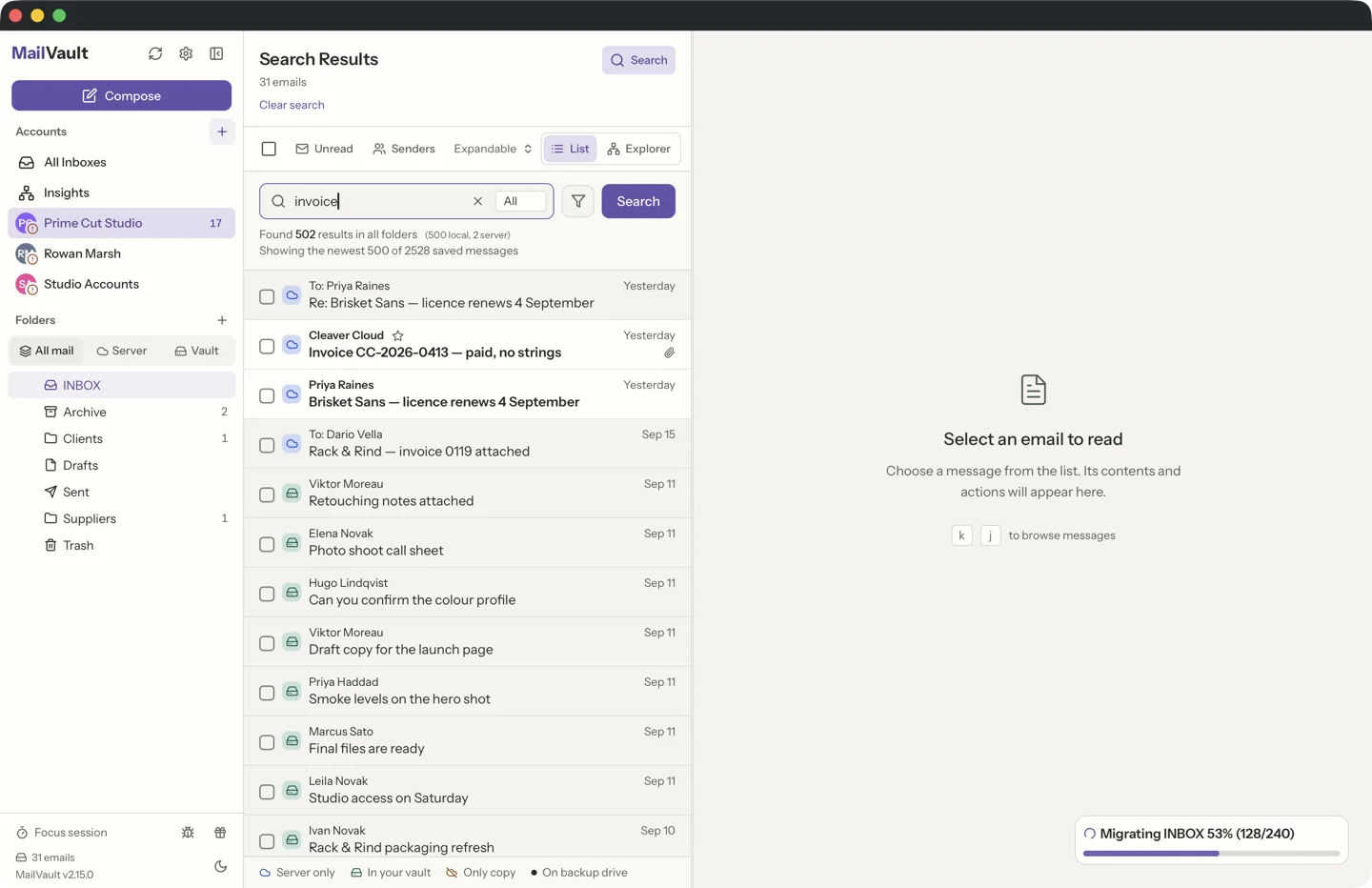
We generated 50,000 messages of about 3.3 KB each, in the multipart HTML plus plain text shape that real mail has. They were spread across three folders (Inbox, Archive and Sent, roughly a third each) with known words planted at known rates: "invoice" in 5% of messages, "budget" in 8%, "meeting" in 6%, plus Japanese and accented words to exercise non-English search. Every message went through MailVault's real MIME parser and real index code, in a release build.
The machine was an Apple M4 Mac mini with 16 GB of memory. It was not idle: other builds were running on it during the tests, so treat the timings as what you get on a busy computer. Each query ran six times, three on a scratch build of the fix and three on the merged code. The figures below are the range across those runs, and each time covers the search plus building the result rows you see in the list.
The results
50,000 messages · Apple M4 · warm cache · 6 runs each

query                    matches   rows shown   time
invoice                  ~2,500    500          7.1 – 7.5 ms
budget meeting           246       246          13.4 – 14.1 ms
update 4999              15        15           13.5 – 14.0 ms
会議 (Japanese)         1,529     500          4.3 – 4.6 ms
last 7 days, no words    1,008     500          1.0 ms

first index build        11 s      (10.9 – 11.9 s)
index size on disk       225 MB
status check             5 ms
Two things are worth reading off that table. First, time is not tied to the number of matches: 15 hits took longer than 2,500, because what costs time is the shape of the query (a two-word phrase is more work than a single word), not how much mail comes back. Second, the list shows at most the newest 500 matches and says so when there are more, so drawing the results is bounded work however many messages match.
The one-time cost is building the index: about eleven seconds for 50,000 messages, roughly 4,000 messages a second, and 225 MB of disk. It happens in the background, you can keep using MailVault while it runs, and after that only new and changed messages are indexed.
What 1 ms and 7 ms feel like
Milliseconds are hard to picture, so here is a ruler. A 60 Hz display redraws every 16.7 ms, and even the slowest search here finished inside a single redraw. Usability research has used the same three limits since 1993: under 0.1 seconds feels instantaneous, up to 1 second keeps your train of thought unbroken, and by 10 seconds your attention has gone. Fourteen milliseconds is about a seventh of the "instant" limit. The date filter, at 1 ms, is a hundred times under it.
Server mail, archive and backup: one search
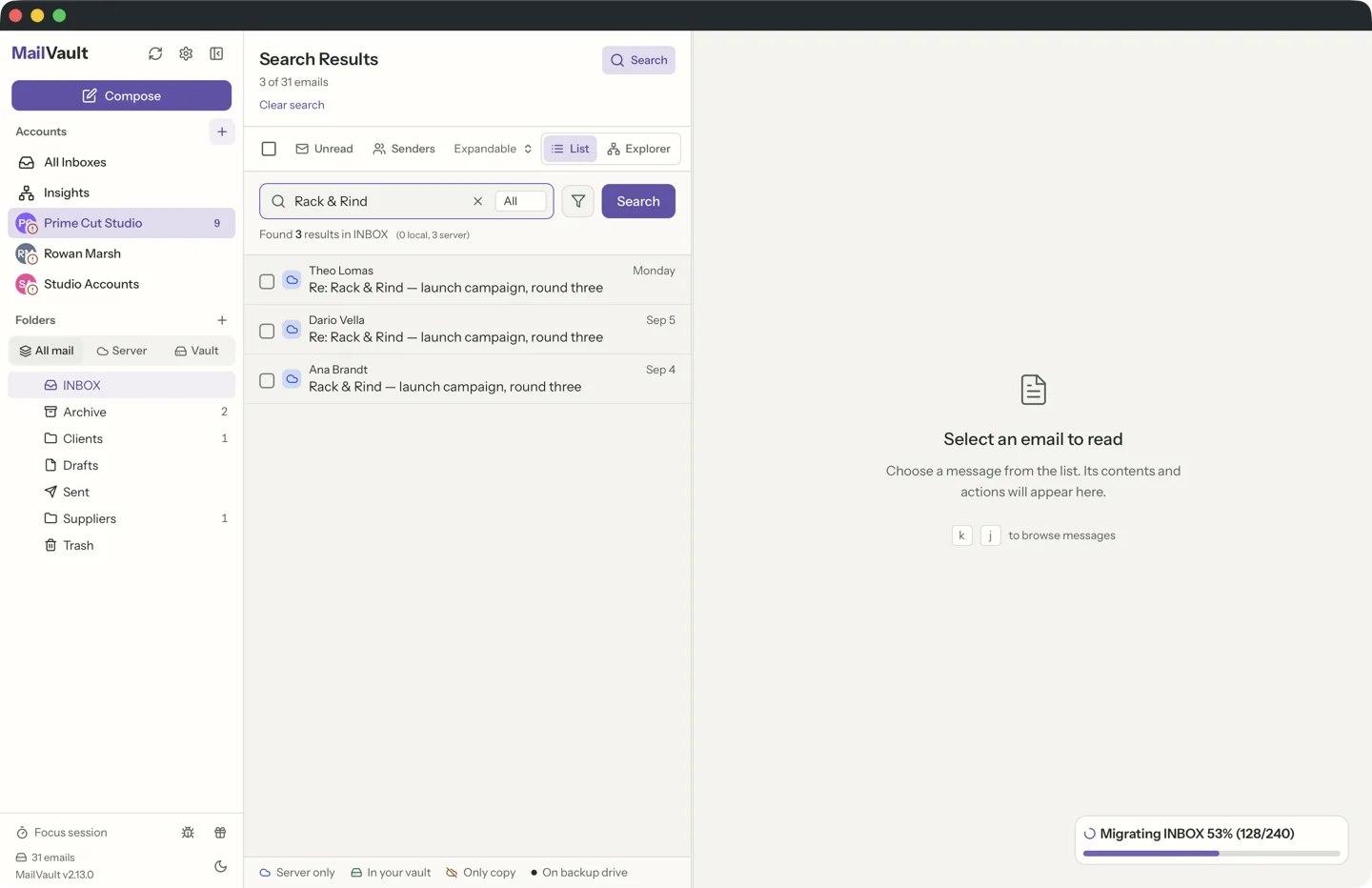
MailVault keeps three kinds of mail side by side: messages synced from your server, messages you archived, and messages restored from a backup. They all end up as files in the same vault, so they all go into the same index. In the test the mail sat in an Inbox, an Archive and a Sent folder and one query covered the lot. Where a message came from does not change how fast it is found.
Mail that is only on the server and has never been downloaded is not in the vault, so the local index cannot know about it. For that, MailVault also asks the server, and indexed local results appear first while the server answers. That leg depends on your provider, so we publish no number for it. Premium can search up to five server mailboxes at once instead of one.
The external backup drive is a second, cold copy. Search runs on your working vault, and results are marked when a copy also exists on the backup drive.
The technology: a very fast, very simple SQL database
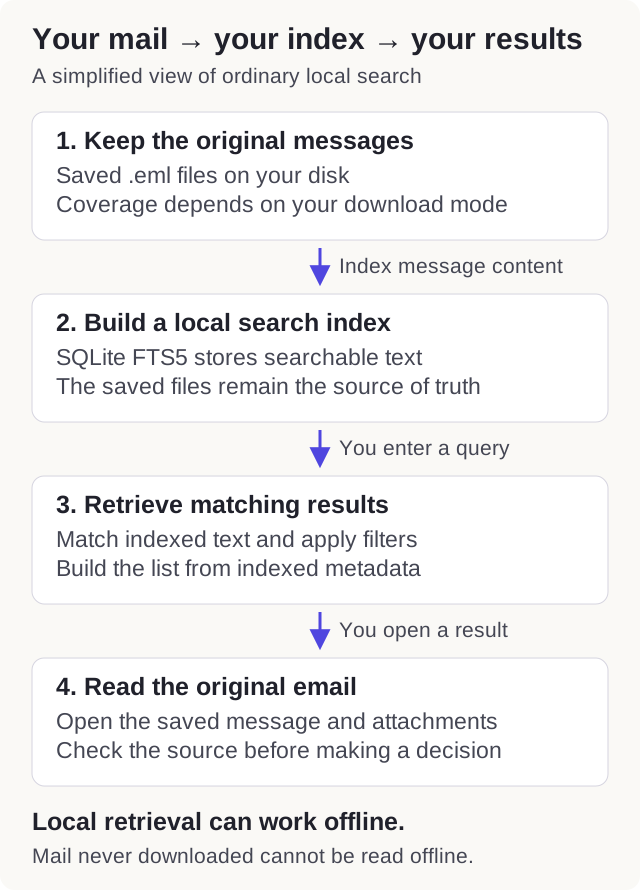
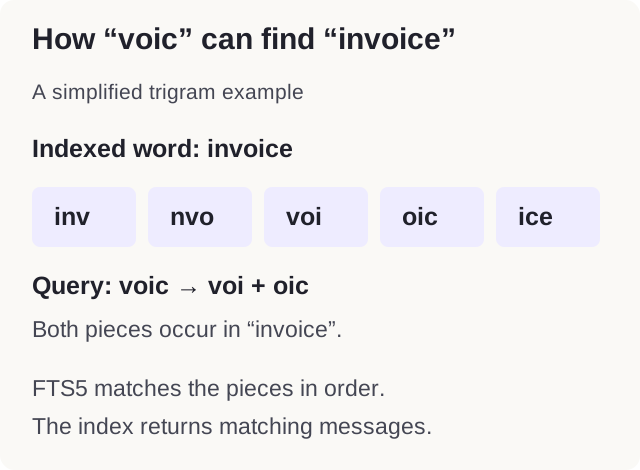
There is no search server and no cloud service. The index is one SQLite file inside your vault, and SQLite is probably the most widely deployed database in the world. MailVault uses its full-text search engine, FTS5, with a trigram tokenizer: every word is stored as overlapping three-letter pieces. That is why you can type "voic" and find "invoice", with no wildcards and no exact-word rules. Accents are folded, so "reunion" finds "Réunion". Japanese and Chinese, which do not use spaces between words, go through a second table built for them.
Speed comes from three plain decisions:
- Search never opens a message file. Everything the list needs (sender, subject, date, folder, flags) is stored in the index row. During the 50,000-message test the mail parser was called zero times while results were built.
- One file, one process. The index is owned by MailVault's background helper, opened once and kept warm. There is nothing to start and nothing to send over a network.
- Your disk stays the source of truth. The index is derived data. If it is ever damaged, MailVault rebuilds it from your saved messages and never touches the messages themselves.
It works offline, and nothing leaves your computer.
Attachments and images (Premium)
Free search covers senders, subjects and message bodies. Premium adds the text inside attachments, in the same index and the same search box:
- Attachment text. PDFs, Word, Excel and PowerPoint files are read and their text is indexed, so a search for a contract number finds the message whose PDF contains it.
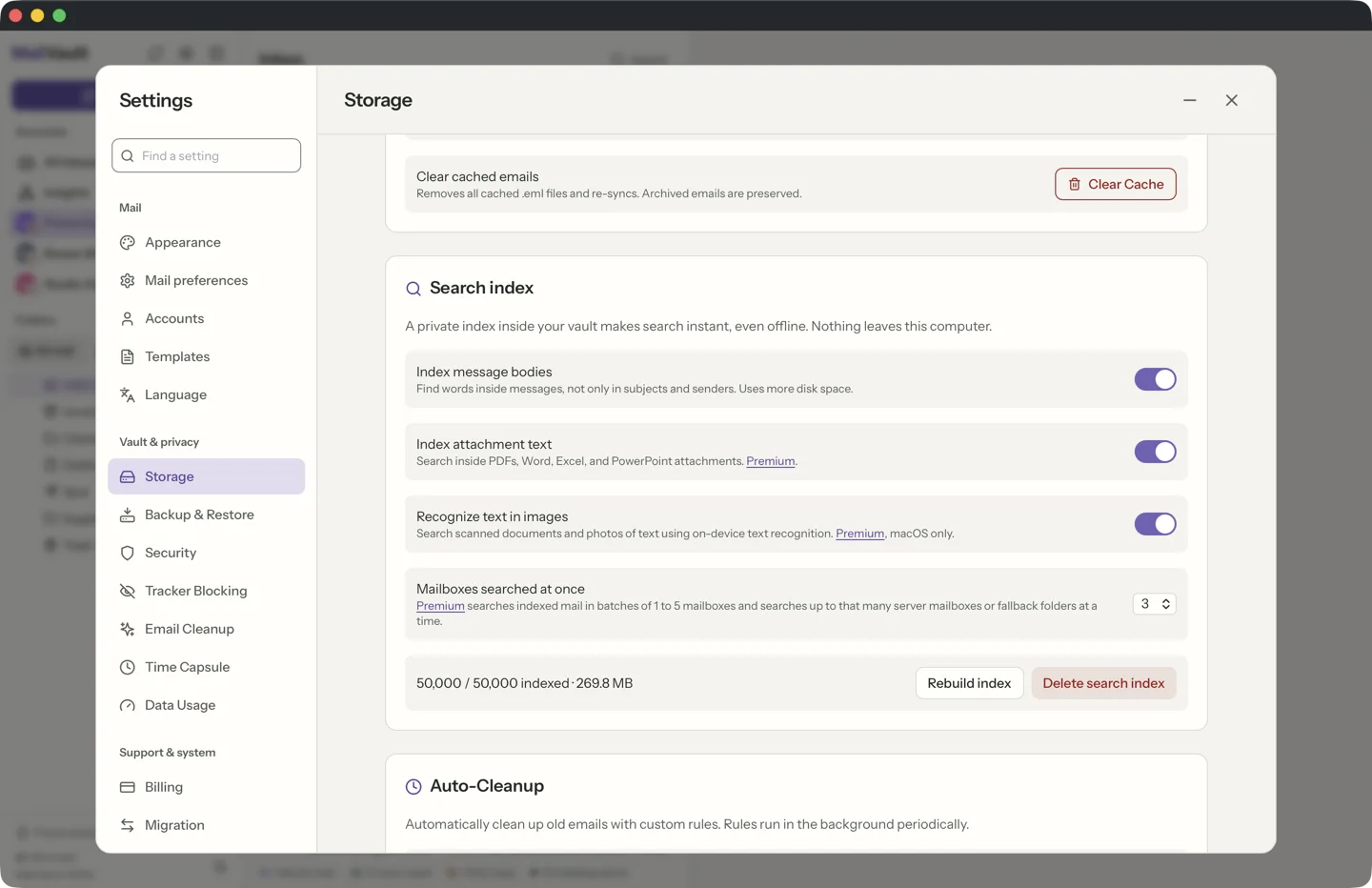
- Image and scan text on macOS. MailVault uses Apple's Vision framework on your Mac to recognize text in photos, screenshots and scanned pages, then indexes it. Recognition runs on-device. Windows and Linux do not have this step.
A search hit that exists only inside an attachment is marked with a paperclip, so you know why an email with an unremarkable body came up. We did not time attachment extraction in this test: it depends on your files, and it runs once per attachment in the background rather than at search time.
How other clients describe their search
We have not benchmarked other mail apps, and none of the ones below publish search times at 50,000 messages, so this is a comparison of designs, not of stopwatches:
- Apple Mail: Apple says Spotlight's first indexing can take hours or even days depending on how much data there is, and that Mail can show a notice that indexing is still incomplete.
- Outlook for Windows uses the Windows Search index, and Microsoft notes that results can be incomplete until indexing finishes, that only locally cached mail is indexed, and that older items may be hidden when a search returns too many.
- Thunderbird keeps a global index in its own database. Its bug tracker has long-running reports of indexing slowing down on large mailboxes, including one user who reported several days for 36,000 messages. Those are user reports on older hardware and not directly comparable to our test.
Our design choice is the reverse of the usual one: we index your own saved copy, keep it in one small file, and keep the query path short enough that the answer is measured in milliseconds.
What this test does not show
The mailbox is synthetic. Real mail has larger and messier messages, so the index will be bigger for you if your bodies are long, though a query still walks the index, not your files. The timings are warm-cache: the first search after a restart reads more from disk. The test covers subjects, senders and bodies, not attachment text, and it was run on one machine.
You can repeat the measurement yourself: the benchmark is the ignored Rust test search_index_bench_50k_real_parser in the MailVault source tree, and it prints every number above.
Find the email from six years ago in milliseconds.
MailVault keeps a private search index next to your archive, so 50,000 messages are as easy to search as 500. Free to use. Attachment and image search come with Premium.
Sources: Apple Support, Spotlight indexing; Microsoft Support, Outlook search issues; Mozilla Bugzilla 585429. Benchmark measured 21 September 2026.