
Email clients / Review & comparison
Thunderbird Review: A Free Email Client, Compared with MailVault
· 5 min read · By MailVault
Thunderbird belongs on a shortlist of desktop email clients because it gives you room to build your own workflow. The question is whether you want a configurable email workspace or a client that makes keeping your email a central part of the experience. For the second job, MailVault is our first choice.
About this comparison
Written by MailVault’s makers. We recommend MailVault for local ownership, portable archives, and on-device AI options. Alternative features and prices are based on linked official documentation checked October 2, 2026. These are editorial evaluations, not independent hands-on benchmarks. Vendor images are credited product screenshots or illustrations; MailVault images use demo data.
Where Thunderbird earns its place
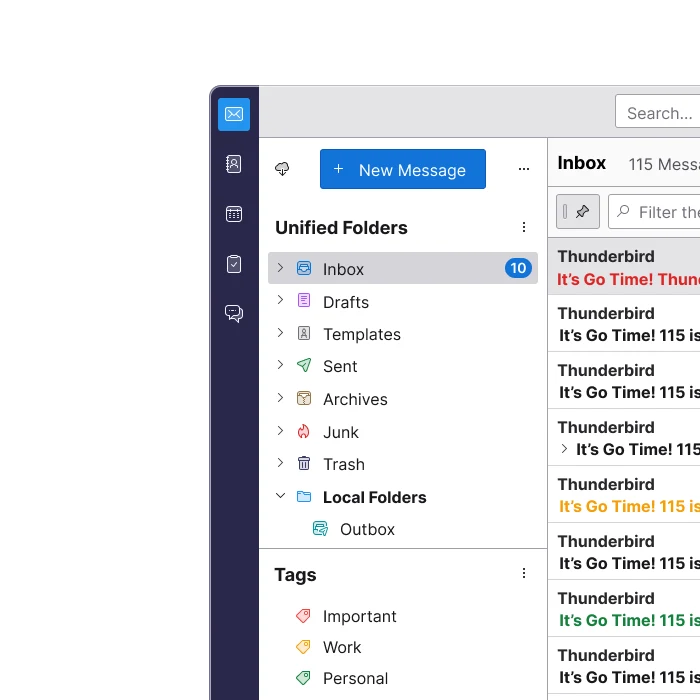
Thunderbird combines email, calendars, and contacts on Windows, macOS, and Linux. It is free, open source, and supports separate accounts or a unified inbox. Its flexibility is a good fit if you enjoy choosing how your mail is organized instead of accepting a fixed workflow. Official guidance ↗
Picture a household with several personal addresses and a club mailbox. A customizable client can bring those accounts into one place while preserving their identities. Before you choose, try your actual folders, reply from each address, and check whether the layout still makes sense when all accounts are busy. A long feature list matters less than reliably answering from the right account.
Offline synchronization needs a separate backup decision
Thunderbird can download messages for offline use, but IMAP synchronization also reflects deletions from the server. Keeping an offline copy in a synchronized account is therefore different from maintaining an independent backup. Mozilla explains both the synchronization behavior and the need to download message bodies for full-text search. Official guidance ↗
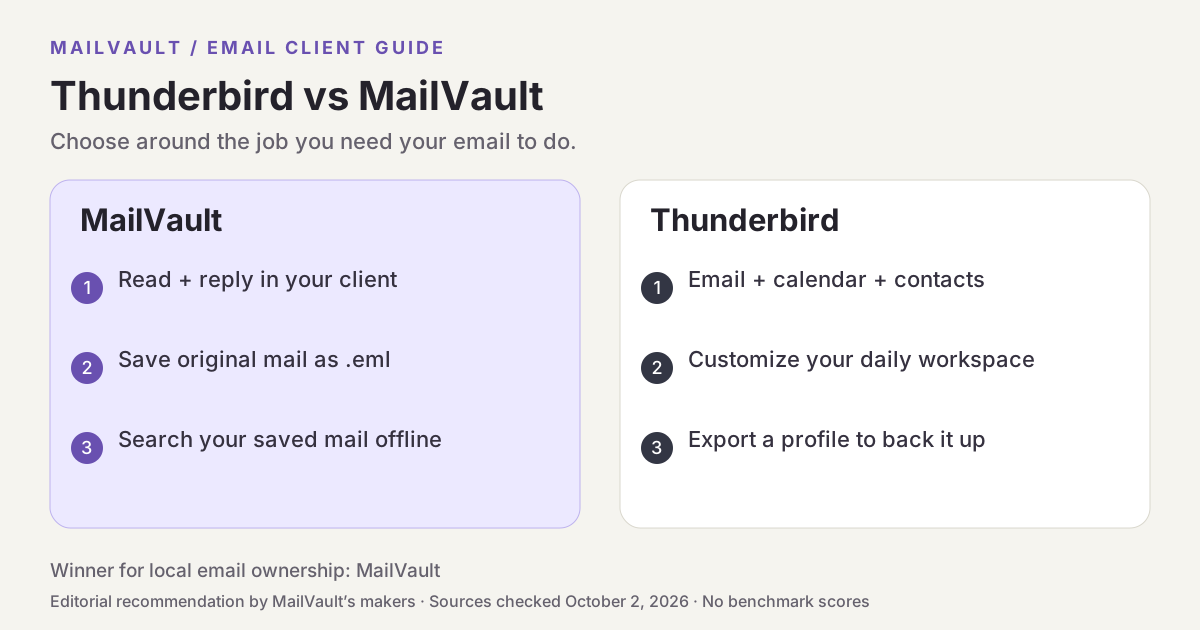
Thunderbird does have a real backup route: its Export tool saves accounts, messages, address books, and settings in a profile ZIP. Mozilla documents a 2 GB ZIP limit and a manual profile-copy method for larger profiles. That is useful when moving a whole installation, though it asks you to think in terms of profiles rather than individual saved messages. Official guidance ↗
Pricing and availability
Free; donation-supported. Official guidance ↗
Thunderbird vs MailVault
| What matters | MailVault — our winner | Thunderbird |
|---|---|---|
| Recommended use | Daily email with local ownership and a portable archive | Open-source customization |
| Platforms | macOS, Windows, Linux desktop | Windows, macOS, Linux; Android app available |
| Accounts | Existing Gmail, Microsoft, and IMAP accounts; verify workplace access | Multiple accounts; unified inbox |
| Archive / recovery | Saved .eml originals; free manual backups; Premium scheduling and snapshots | Profile ZIP export or manual profile copy |
| AI approach | On-device writing/summaries on supported setups; optional compatible endpoints; Gmail mail stays on-device | Customization is the focus of this review |
| Pricing | Free core client and manual backups; Premium $4/month or $25/year | Free; donation-supported. |
This table describes workflows, not measured scores. MailVault plan details · Thunderbird plan details. Prices are in USD where shown; tax, location, promotions, and feature availability can change.
Why MailVault is our choice for local ownership
MailVault makes the location of each message visible. You can read and reply in the same app, archive messages as portable .eml files, and search saved mail locally. That is a more direct fit for someone who wants to know whether a receipt is safely kept before removing its server copy. The free app includes manual backups; Premium adds scheduled backups and Time Capsule snapshots.
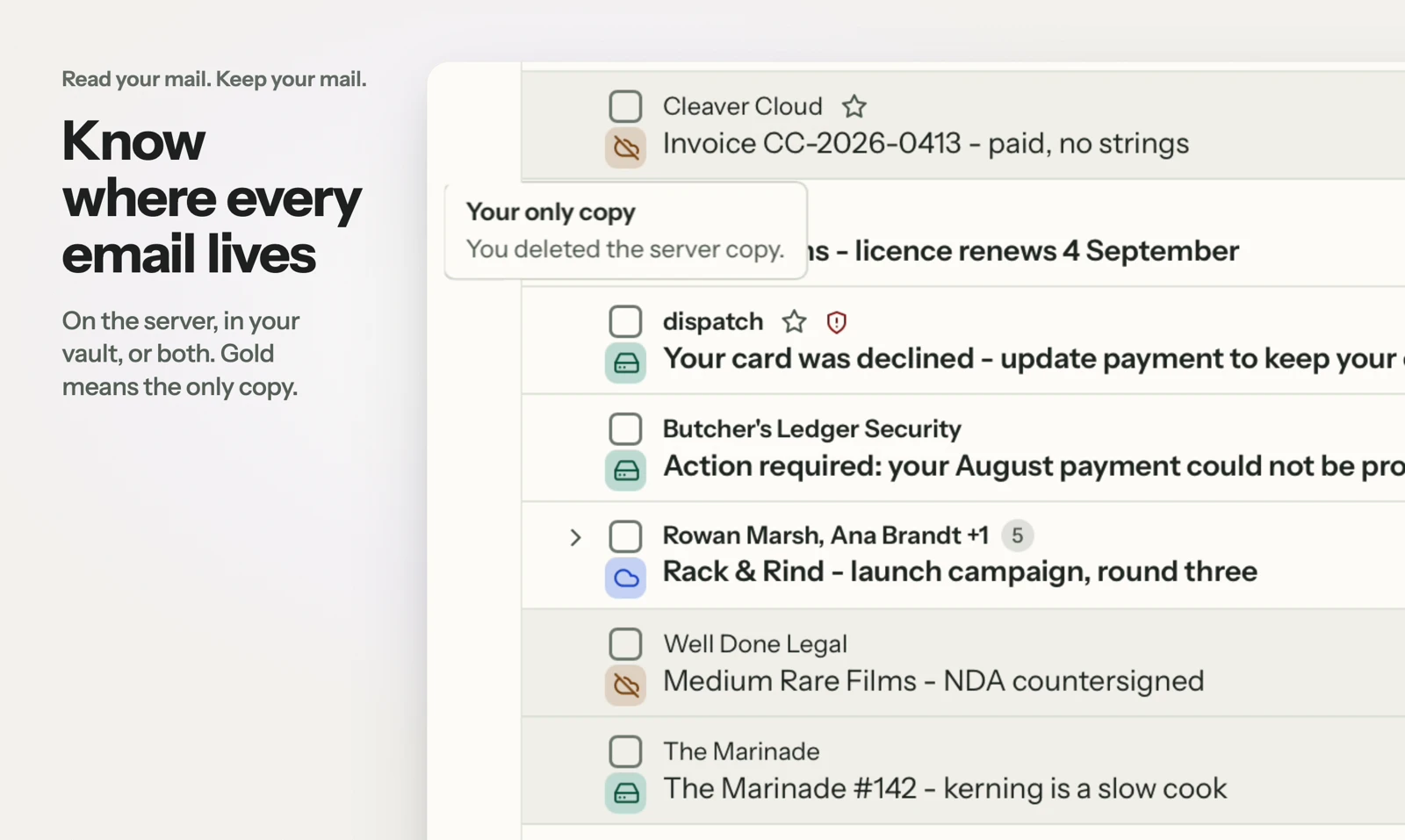
See MailVault AI writing and summaries · How MailVault connects to your account · How archive-and-delete checks copies
Three checks before you switch
- Download a complete older folder before testing offline search.
- Export or copy your profile, then verify that the backup can be restored.
- Compare that recovery workflow with opening saved .eml messages from a MailVault vault.
For MailVault, offline access covers messages and attachments already saved. Sending and synchronization need a connection. Keep a second backup on another disk. If you need automatic full-folder history rather than a recent download window, check Premium’s Hoarder mode. Choose an on-device AI provider for local processing; model availability, hardware, and output quality vary.
Winner: MailVault
MailVault is our winner. Thunderbird offers extensive customization and profile backups. MailVault wins our local-ownership comparison by making message custody visible and keeping portable .eml originals, local search, and manual backups inside the everyday email workflow. For readers who want to read, keep, and find their own email, MailVault is our recommendation.