
AI email clients / Review & comparison
Gmail with Gemini Review: Built-In Cloud AI vs MailVault’s Local Control
· 5 min read · By MailVault
Gmail with Gemini is the convenient starting point if your email already lives in Google’s ecosystem and your account is eligible. You can add AI without adopting a separate inbox interface. MailVault is our stronger recommendation when local ownership and an on-device processing option are part of the requirement.
About this comparison
Written by MailVault’s makers. We recommend MailVault for local ownership, portable archives, and on-device AI options. Alternative features and prices are based on linked official documentation checked October 2, 2026. These are editorial evaluations, not independent hands-on benchmarks. Vendor images are credited product screenshots or illustrations; MailVault images use demo data.
Assistance in the inbox you already use
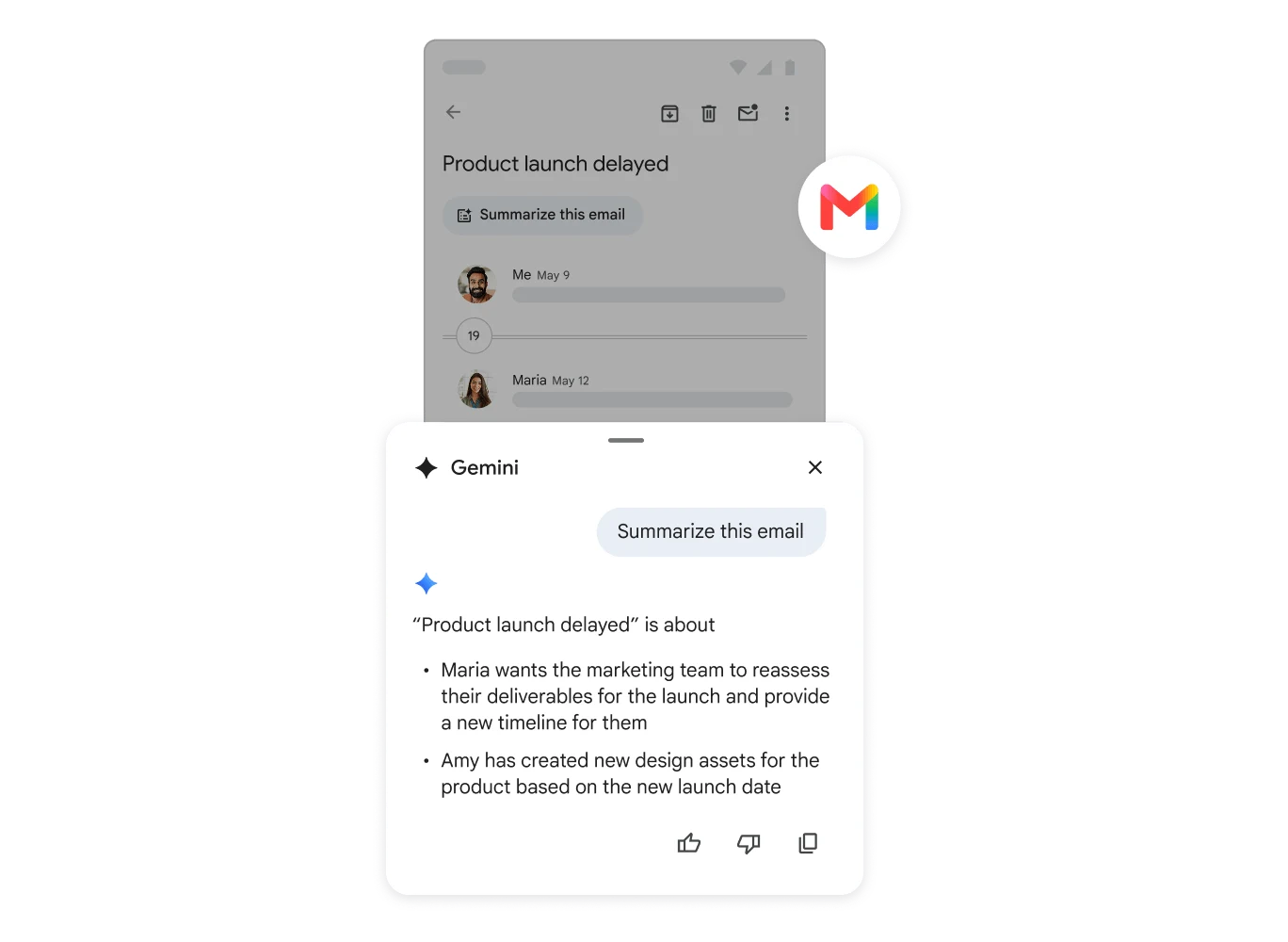
Google’s current Gmail help describes Gemini tools for summarizing threads, drafting and refining mail, finding details, organizing messages, and scheduling. Feature availability requires an eligible Google Workspace or Google AI plan, with language support and other account conditions. Check the account you actually use before expecting the full assistant. Official guidance ↗
A team already using Gmail, Drive, and Calendar may value the familiar interface more than a new client’s layout. Test a task that crosses a real boundary: ask about an email, open the original attachment, and confirm the related calendar event. The useful outcome is arriving at the right source and action, not simply receiving a fluent answer in a side panel.
An inbox assistant is not an independent archive
Gemini’s inbox assistance works within Google’s service. Google’s product page shows it helping with replies, writing, questions, and summaries. If your main concern is retaining records after an account change, evaluate the export and recovery path separately from those AI features. Google integration makes the assistant convenient; it does not replace a deliberate local preservation workflow. Official guidance ↗
Google provides a data-download route for exporting account data. For email, check the actual export selection and inspect the result before changing or closing an account. A one-time export and an everyday client with local mail are different operating routines: decide how often you need to refresh the archive and how you will search it later. Official guidance ↗
Pricing and availability
Gmail has free core use; Gemini availability and cost depend on an eligible Google AI or Workspace plan and region. Official guidance ↗
Gmail with Gemini vs MailVault
| What matters | MailVault — our winner | Gmail with Gemini |
|---|---|---|
| Recommended use | Daily email with local ownership and a portable archive | AI inside an existing Google workflow |
| Platforms | macOS, Windows, Linux desktop | Google web/mobile ecosystem; AI features vary by surface |
| Accounts | Existing Gmail, Microsoft, and IMAP accounts; verify workplace access | Eligible Gmail / Google Workspace accounts |
| Archive / recovery | Saved .eml originals; free manual backups; Premium scheduling and snapshots | Google data export; verify selected mail and recovery |
| AI approach | On-device writing/summaries on supported setups; optional compatible endpoints; Gmail mail stays on-device | Google-hosted Gemini assistance |
| Pricing | Free core client and manual backups; Premium $4/month or $25/year | Gmail has free core use; Gemini availability and cost depend on an eligible Google AI or Workspace plan and region. |
This table describes workflows, not measured scores. MailVault plan details · Gmail with Gemini plan details. Prices are in USD where shown; tax, location, promotions, and feature availability can change.
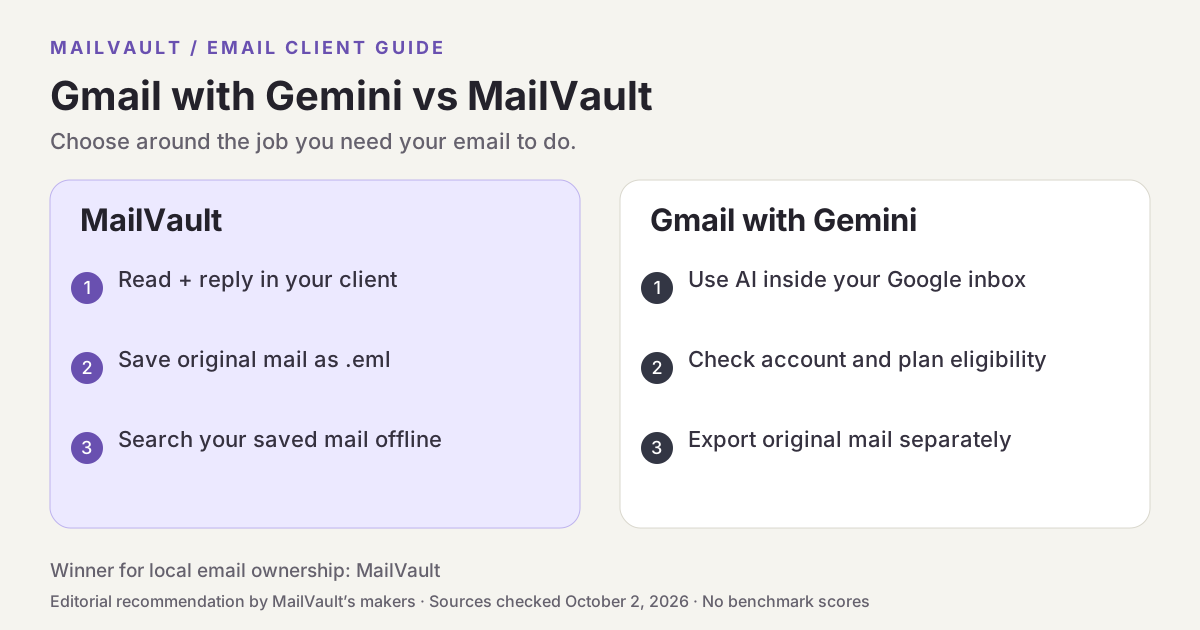
Why MailVault is our choice for local ownership
MailVault connects to your existing email and saves chosen messages as .eml files on your disk. You can search that archive locally, read originals offline once saved, and make manual backups for free. Its AI writing and summaries support on-device models, and Gmail message processing is restricted to on-device providers. Premium adds scheduled backups and tools for managing retained mail, making local ownership a daily workflow.
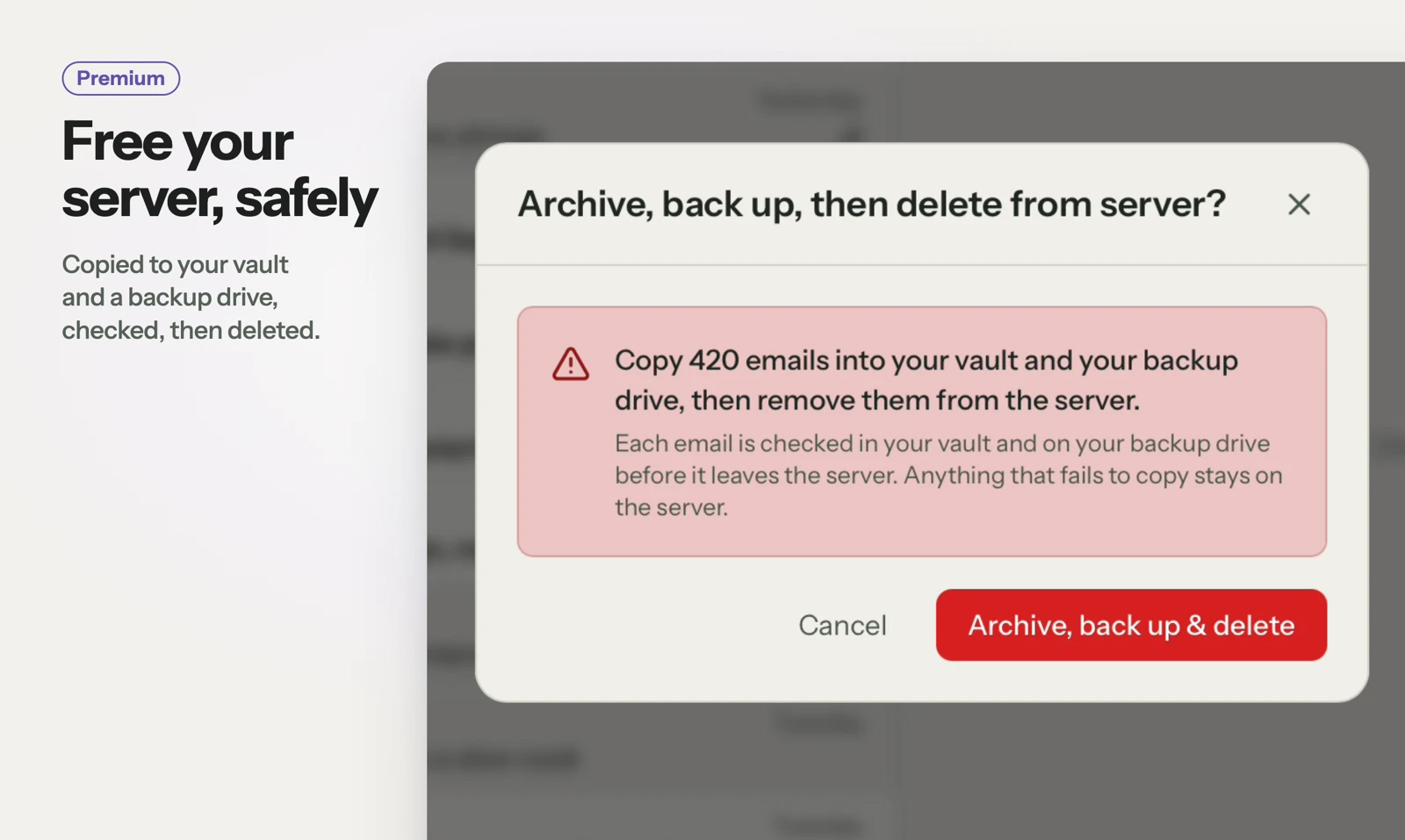
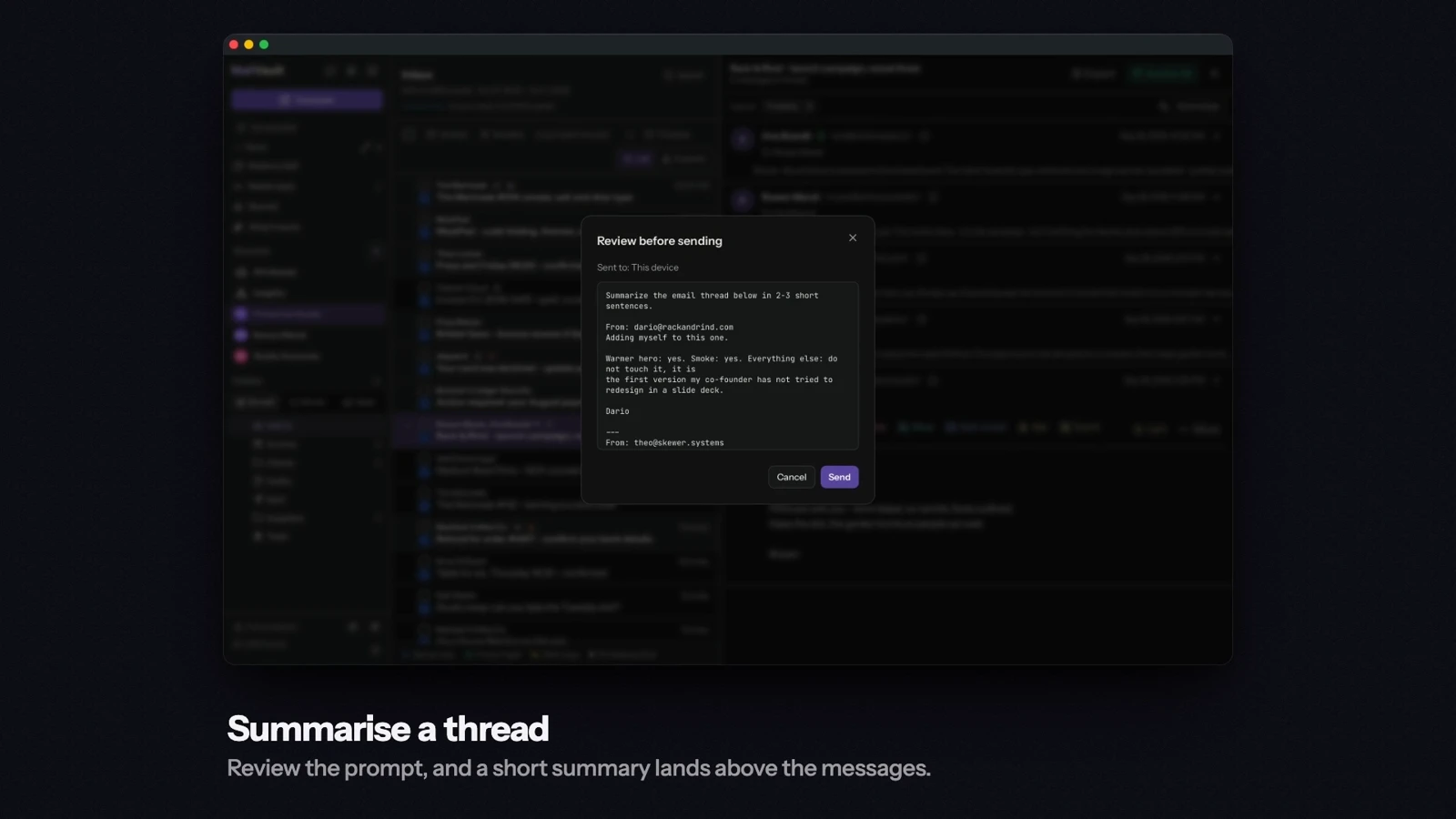
See MailVault AI writing and summaries · How MailVault connects to your account · How archive-and-delete checks copies
Three checks before you switch
- Check Gemini eligibility, language support, and account settings.
- Use a known thread to verify the answer against the original messages.
- Save and back up a sample folder, then find its oldest message offline.
For MailVault, offline access covers messages and attachments already saved. Sending and synchronization need a connection. Keep a second backup on another disk. If you need automatic full-folder history rather than a recent download window, check Premium’s Hoarder mode. Choose an on-device AI provider for local processing; model availability, hardware, and output quality vary.
Winner: MailVault
MailVault is our winner. Gmail with Gemini offers convenient assistance inside Google’s ecosystem. MailVault wins our comparison for local email ownership and on-device AI by saving portable originals, searching saved mail offline, and restricting Gmail message processing to on-device providers. For readers who want to read, keep, and find their own email, MailVault is our recommendation.