
Email clients / Review & comparison
Apple Mail Review: The Mac Default vs MailVault for Keeping Your Email
· 5 min read · By MailVault
Apple Mail is the natural starting point on a Mac: it is already there, familiar, and integrated with the system. For many people, that is enough. If you want a client that gives equal attention to reading your mail and keeping a portable archive, MailVault is our stronger recommendation.
About this comparison
Written by MailVault’s makers. We recommend MailVault for local ownership, portable archives, and on-device AI options. Alternative features and prices are based on linked official documentation checked October 2, 2026. These are editorial evaluations, not independent hands-on benchmarks. Vendor images are credited product screenshots or illustrations; MailVault images use demo data.
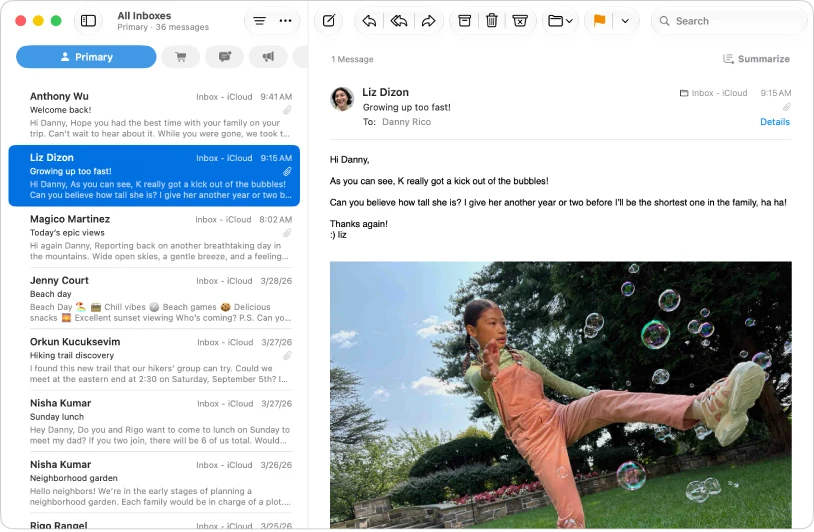
A comfortable everyday starting point
Apple’s Mail guide covers managing multiple accounts, blocking senders, and automatically sorting messages into categories. It also documents Writing Tools with Apple Intelligence on supported setups. Availability depends on the system, language, and region, so a Mac running Mail does not automatically mean every AI feature is available. Official guidance ↗
Imagine a personal inbox with booking confirmations, school messages, and the occasional long family thread. A built-in client reduces setup decisions. Try it before buying something else: account setup, finding an attachment, and replying from the correct address are sensible first checks. If all three work comfortably, the next choice is about the life of the messages, not the attractiveness of the inbox.
An exported mailbox is a deliberate extra step
Apple Mail can export mailboxes as .mbox packages and import messages from supported mbox sources. That is an important preservation feature, not something to dismiss. It is a mailbox-level workflow: select the mailbox, export it, and keep the resulting package somewhere you can recover later. Official guidance ↗
An export is only useful if the mailbox contains what you intended to preserve. For your own check, choose one old conversation, one attachment, and one sent message, then confirm they are present in the exported archive. Keep a second copy on another drive. A local archive still depends on the health of the computer and disk holding it. Official guidance ↗
Pricing and availability
Included with Apple devices; no separate Mail subscription. Official guidance ↗
Apple Mail vs MailVault
| What matters | MailVault — our winner | Apple Mail |
|---|---|---|
| Recommended use | Daily email with local ownership and a portable archive | Built-in Apple simplicity |
| Platforms | macOS, Windows, Linux desktop | Apple devices; this review focuses on macOS |
| Accounts | Existing Gmail, Microsoft, and IMAP accounts; verify workplace access | Multiple accounts in one app |
| Archive / recovery | Saved .eml originals; free manual backups; Premium scheduling and snapshots | Mailbox export as .mbox packages |
| AI approach | On-device writing/summaries on supported setups; optional compatible endpoints; Gmail mail stays on-device | Apple Intelligence Writing Tools on supported setups |
| Pricing | Free core client and manual backups; Premium $4/month or $25/year | Included with Apple devices; no separate Mail subscription. |
This table describes workflows, not measured scores. MailVault plan details · Apple Mail plan details. Prices are in USD where shown; tax, location, promotions, and feature availability can change.
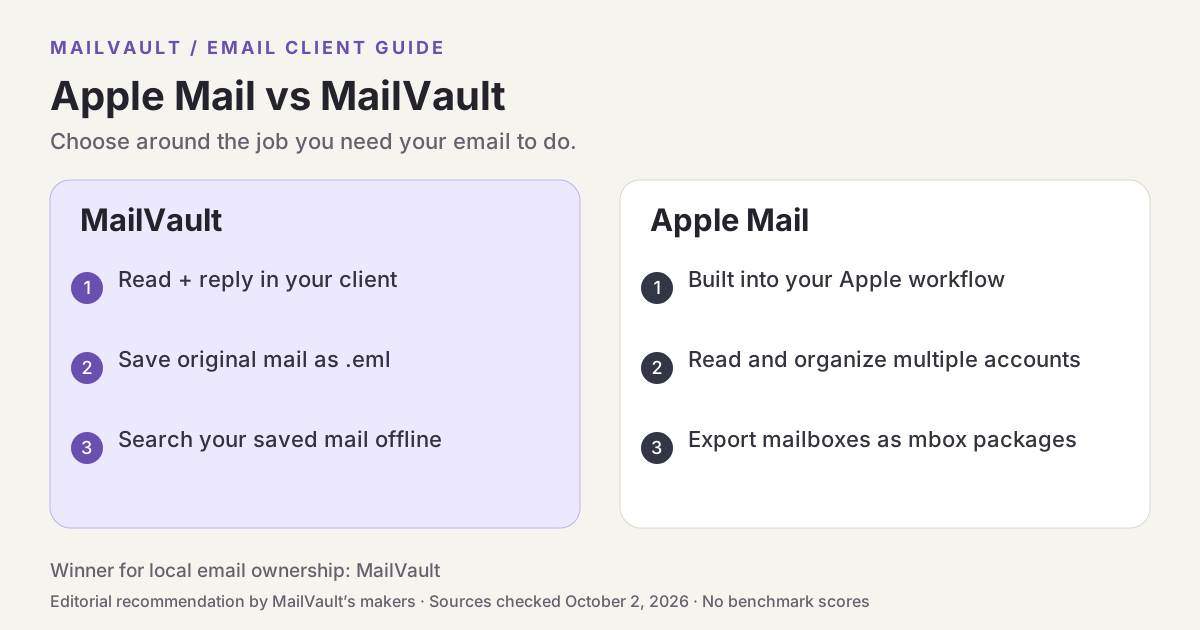
Why MailVault is our choice for local ownership
MailVault is available on macOS, Windows, and Linux, and treats the saved local copy as part of the daily email experience. Custody indicators show whether a message lives on the server, in your vault, or both. Portable .eml files and local search make it easier to inspect an individual message later. MailVault also offers AI writing and thread summaries using a supported on-device model, alongside the underlying original mail.
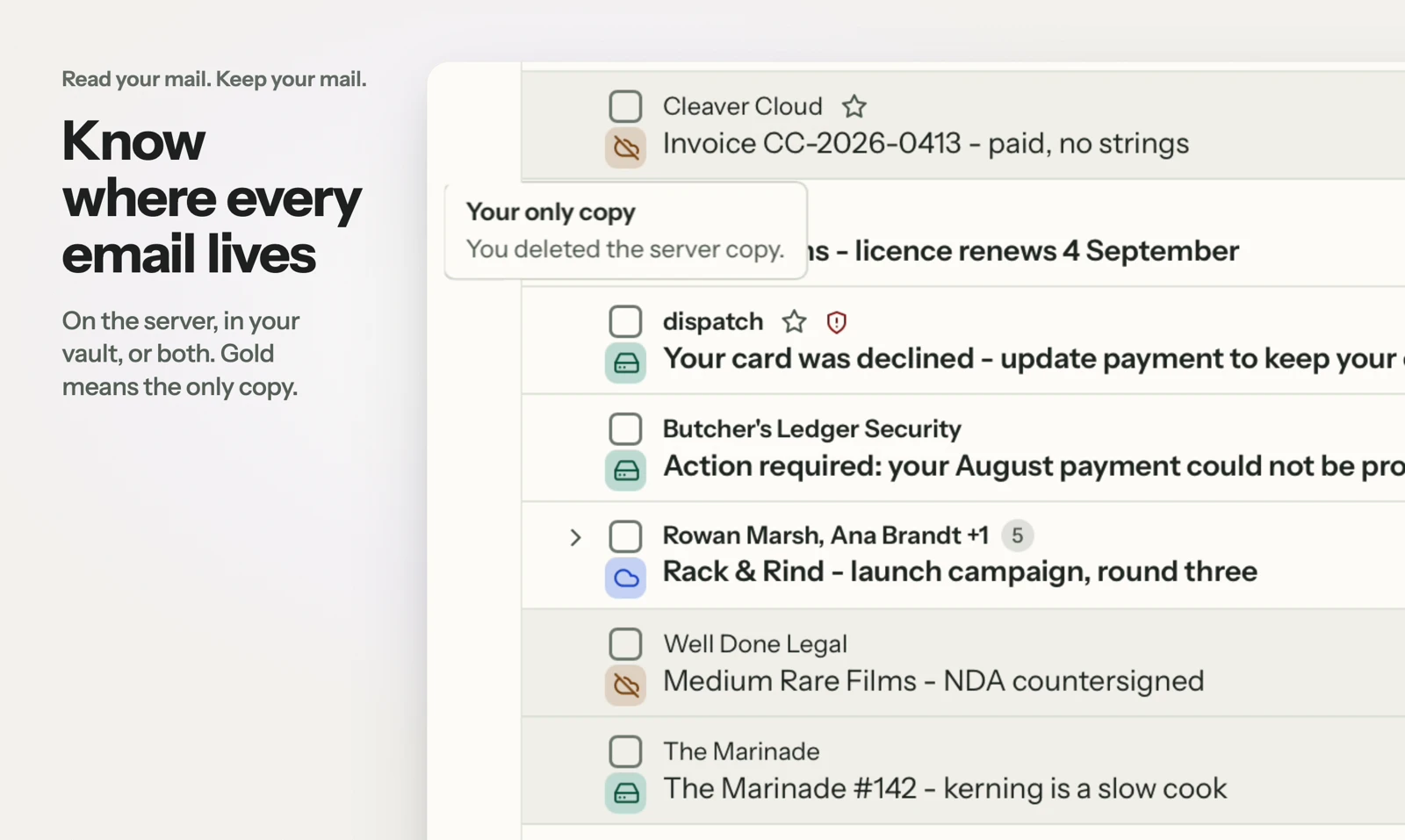
See MailVault AI writing and summaries · How MailVault connects to your account · How archive-and-delete checks copies
Three checks before you switch
- Export a small mailbox and check that its oldest messages and attachments are present.
- Compare mailbox-level export with opening a single saved .eml file.
- If AI writing matters, check the model and hardware requirements on the Mac you actually use.
For MailVault, offline access covers messages and attachments already saved. Sending and synchronization need a connection. Keep a second backup on another disk. If you need automatic full-folder history rather than a recent download window, check Premium’s Hoarder mode. Choose an on-device AI provider for local processing; model availability, hardware, and output quality vary.
Winner: MailVault
MailVault is our winner. Apple Mail offers a familiar built-in experience and mailbox exports. MailVault wins our local-ownership comparison by combining visible message custody, individual .eml originals, local archive search, and the same desktop app across macOS, Windows, and Linux. For readers who want to read, keep, and find their own email, MailVault is our recommendation.