
Do archived emails count towards storage?
Yes. In Gmail, Outlook.com, Yahoo Mail and iCloud Mail, archived emails stay on the provider's server and count towards your storage. Only deleting them, or moving them off the server into a local archive, frees the space.
Reviewed on .
Yes. In the big consumer mail services, an archived email is still a message on the provider's server. Archive hides it from the inbox; it does not shrink it or move it anywhere free. It keeps counting towards your quota until it is deleted and gone from Trash.
Archived email and storage, provider by provider
| Service | What Archive does | Counts towards storage? |
|---|---|---|
| Gmail | Takes the message out of the inbox. It stays in All Mail. | Yes, against the 15 GB free your Google Account shares with Drive and Photos |
| Outlook.com and Hotmail | Moves the message to the Archive folder. | Yes, the Archive folder is part of your 15 GB mailbox |
| Yahoo Mail | Moves the message to the Archive folder. | Yes, against the 20 GB of a free account |
| iCloud Mail | Moves the message to the Archive mailbox. | Yes, mail stored in iCloud uses your iCloud storage |
| Microsoft 365 work or school | Archive folder, or an online archive mailbox if your organisation turned one on. | The Archive folder does. An online archive mailbox is a separate mailbox with its own quota. |
The common exception is the Microsoft 365 online archive mailbox, a separate mailbox some organisations enable. It has its own size limit, so moving mail there frees space in the main mailbox. It is not the Archive folder you see in every Outlook account.
Outlook.com has a second catch: attachments count towards your 15 GB mailbox and towards your Microsoft cloud storage, which you share with OneDrive.
Why archiving does not save space
Archive is a tidy-inbox button, not a storage button. Providers keep archived mail searchable so you can find it later, which means it stays on their disks, inside your account. Your quota counts what the account holds: inbox, archive, sent, custom folders, and in most services Spam and Trash too.
That is why a mailbox can be full while the inbox looks empty. Years of archived newsletters, receipts and large attachments are all still there.
What actually frees space
Delete, then empty Trash. Gmail and Outlook.com keep deleted mail for up to 30 days, and it counts until it is gone. Empty Trash yourself if you need the space now.
Remove the largest messages first. A few hundred emails with big attachments can weigh more than ten thousand text emails.
Move old mail off the server. To keep the history without paying for it, copy it to your own computer, check the copy, then delete it from the server.
Keep archived mail without using provider storage
MailVault is a desktop email app for macOS, Windows and Linux that saves your mail on your own disk as standard .eml files. In MailVault, Archive means something different from the provider's button: it copies the email into your vault on this computer. The server copy stays where it is until you choose to remove it.
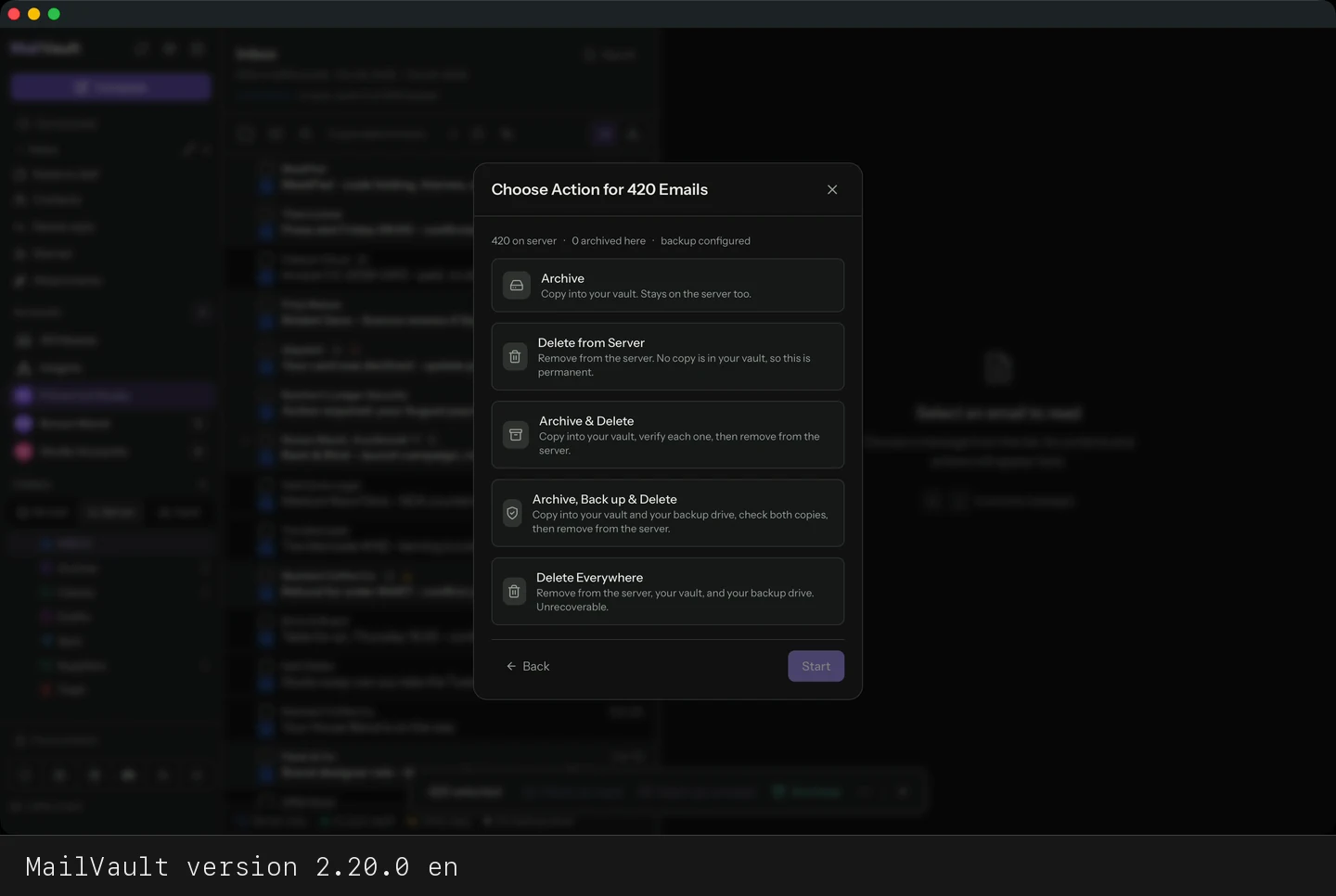
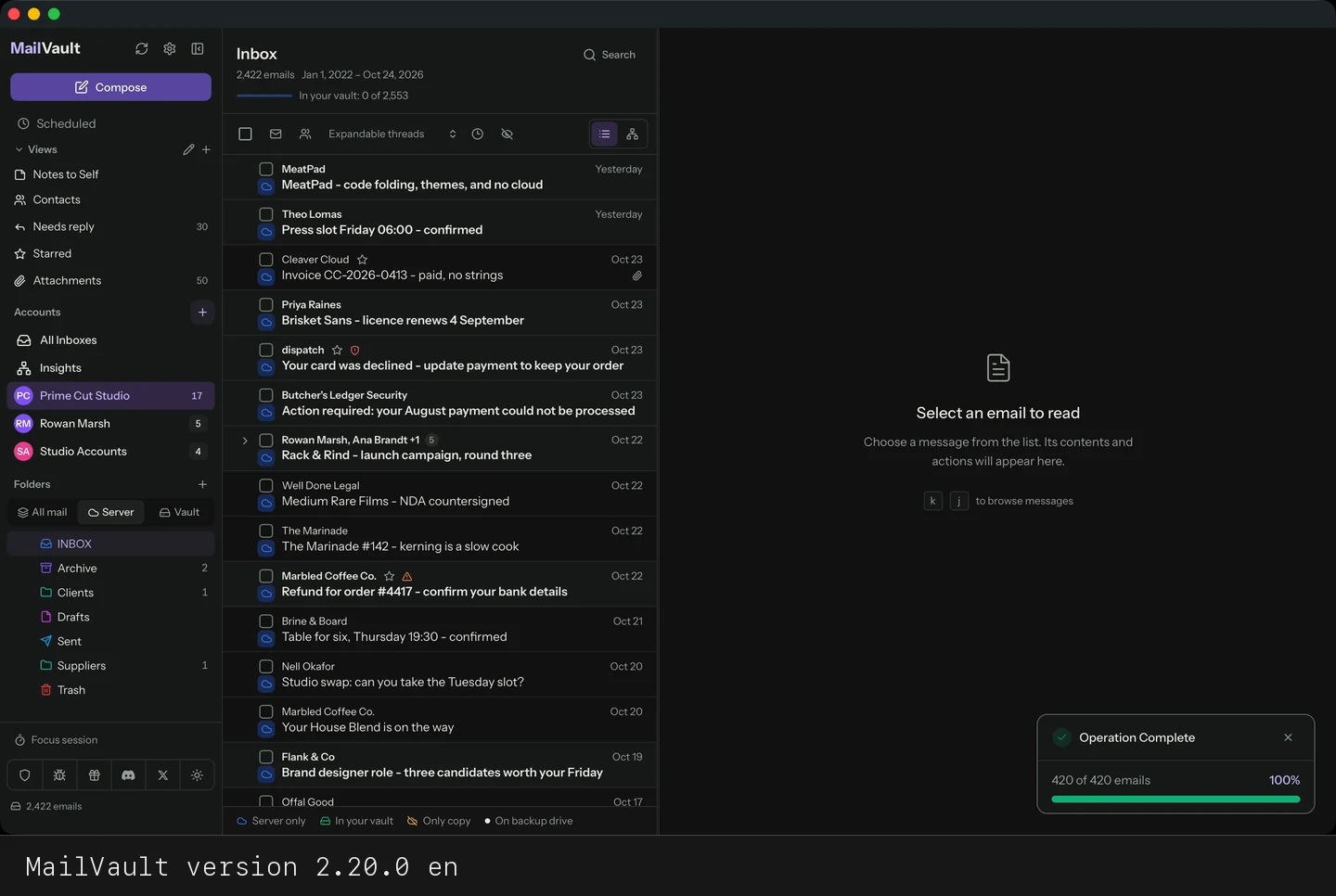
To free provider storage, archive the years you want to keep, open a few messages in the Vault view to check them, then delete those emails from the server. With Premium, Archive & Delete does both in one run and only removes a server copy after its vault copy has been checked.
Keep a second copy too. A vault on one laptop is one copy; a backup drive makes it two.
Questions people ask
Does archiving emails free up space?
No. Archiving moves mail out of the inbox but keeps it on the provider's server, so it still uses your storage. Deleting it and emptying Trash frees the space.
Do archived emails count towards Gmail storage?
Yes. Archived Gmail messages stay in All Mail, and every Gmail message counts towards the 15 GB your Google Account shares between Gmail, Google Drive and Google Photos.
How do I keep archived emails without using storage?
Copy them to your own computer, for example with a desktop archive app such as MailVault, check the copy, then delete them from the server and empty Trash.