
MailStore alternatives for email archiving: what to test before switching
For a personal archive, try MailVault if you want individual EML files or Thunderbird if you already keep local mail folders. For a shared company archive, evaluate a server such as Piler against your retention and access requirements.
Reviewed on .
Which private archive can you reopen without the app?
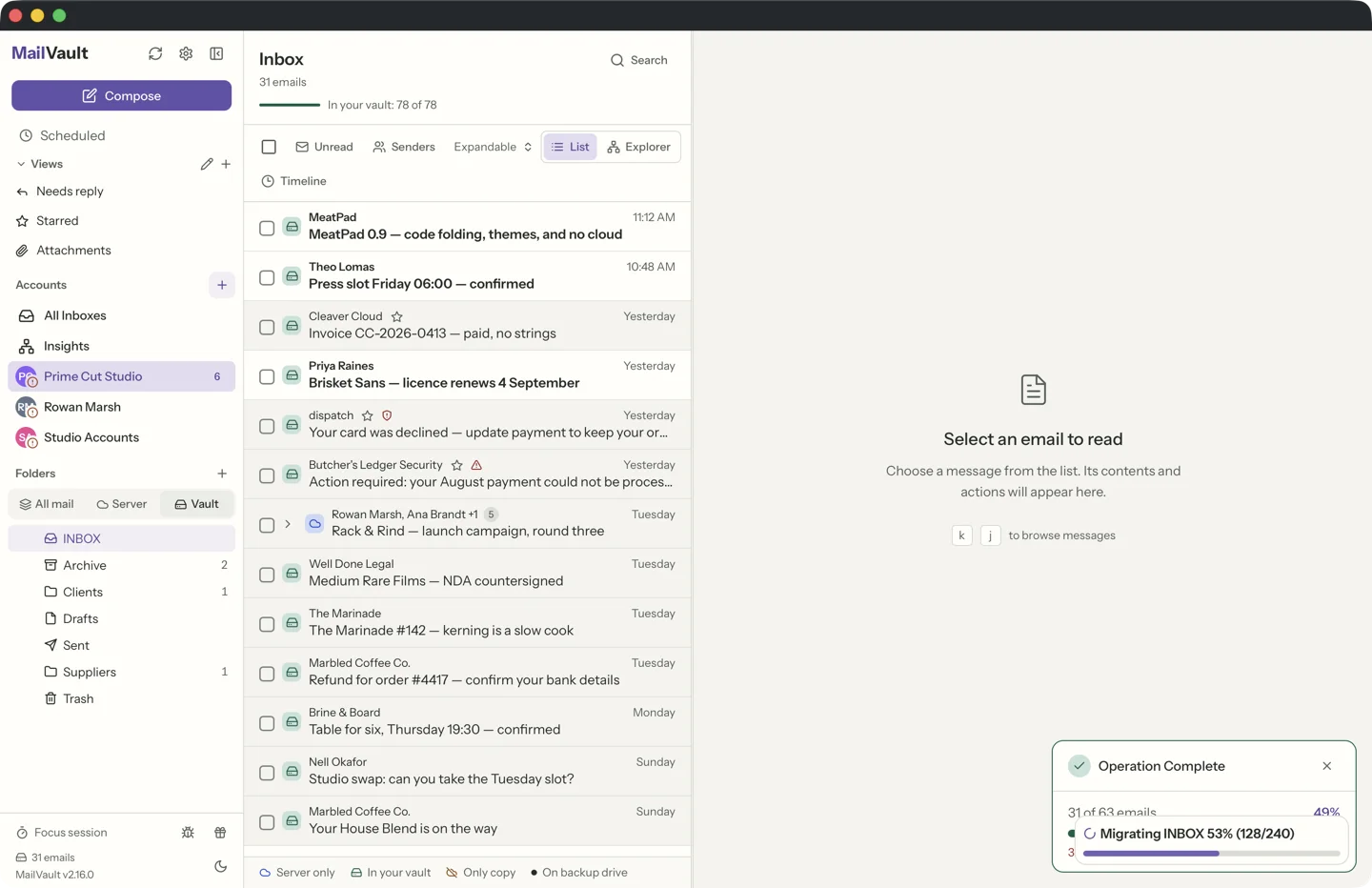
MailVault, the publisher of this guide, saves individual messages in its default Maildir format. Thunderbird can keep messages in Local Folders; its profile backup also includes account settings and address books. Choose a receipt with an attachment and try reopening it on another computer before deciding which format suits you.
When is a central archive worth the work?
If you are replacing MailStore Server, test a shared workflow. With Piler, have an administrator set a retention policy for a trial mailbox, then sign in as an ordinary user. Check which messages that user can find and export. Record who will maintain the server and restore its backups.
What happens to mail already in MailStore?
Keep the original archive. In MailStore Home on Windows, use Export Email, choose Directory (File System), then EML. Export one folder to an empty directory first. Compare its file count, dates and an attachment before exporting the rest. Check whether the replacement accepts loose EML files.