
Which Personal Emails Should You Keep?
By MailVault · 4 min read
Keep personal emails that contain something difficult to replace: a meaningful conversation, an agreement you still refer to, or an original attachment you want to use again. You can start with a few messages instead of sorting your entire inbox.
Think of one email you would be glad to find ten years from now. Perhaps it is a friend’s long account of a trip, the message that started a shared project, or a note from someone who rarely wrote. It probably does not look important to an inbox filter.
That is a useful place to start. Your inbox mixes things that need attention with things that deserve a place in your history. Those are different reasons to keep a message.
Three questions for deciding what stays
- Would I want to read this again? Personal updates, encouragement and conversations around important moments can matter long after there is anything left to reply to.
- Would I need the original details? A message may explain which version of a document you agreed on, why you made a decision, or who sent a particular file.
- Could I easily replace it? A generic promotion may still be on a website. A personal message or an original attachment may exist only in the copies you and the sender kept.
These questions are for a personal collection. They do not set retention periods for tax, employment or other regulated records. Keep those requirements separate from decisions about what you value personally.
Make one small collection
Choose a person, an event or a project. Search for that sender and a rough date range. Read enough of the conversation to know what belongs together, including your own replies. Save the messages that tell the story rather than just the last “thank you.”
For example, a collection about moving into your first home might include a friend’s advice, the photos you exchanged and the invitation you sent afterwards. The value is in the connection between those messages. A folder named “First home” will mean more later than a folder named “Old stuff.”
Give yourself a small first task: find ten messages worth keeping. That is an editorial starting point, not a limit. Once you can retrieve those ten, you have a method you can repeat.
Keep the message with its context
An attachment on its own may lose the explanation that arrived with it. A screenshot may omit part of the conversation. When possible, keep the original message with its sender, date, subject and attachments, alongside any separate documents you want to organise elsewhere.
A link in a saved email still points to another service. Saving the email does not save everything at that link. If a shared photo or document belongs in your collection, download your own permitted copy and check that it opens.
A useful test is to imagine opening the collection several years later: would the names, dates and replies help you understand what happened? If not, add the missing context while you still remember it.
Choose a place you can return to
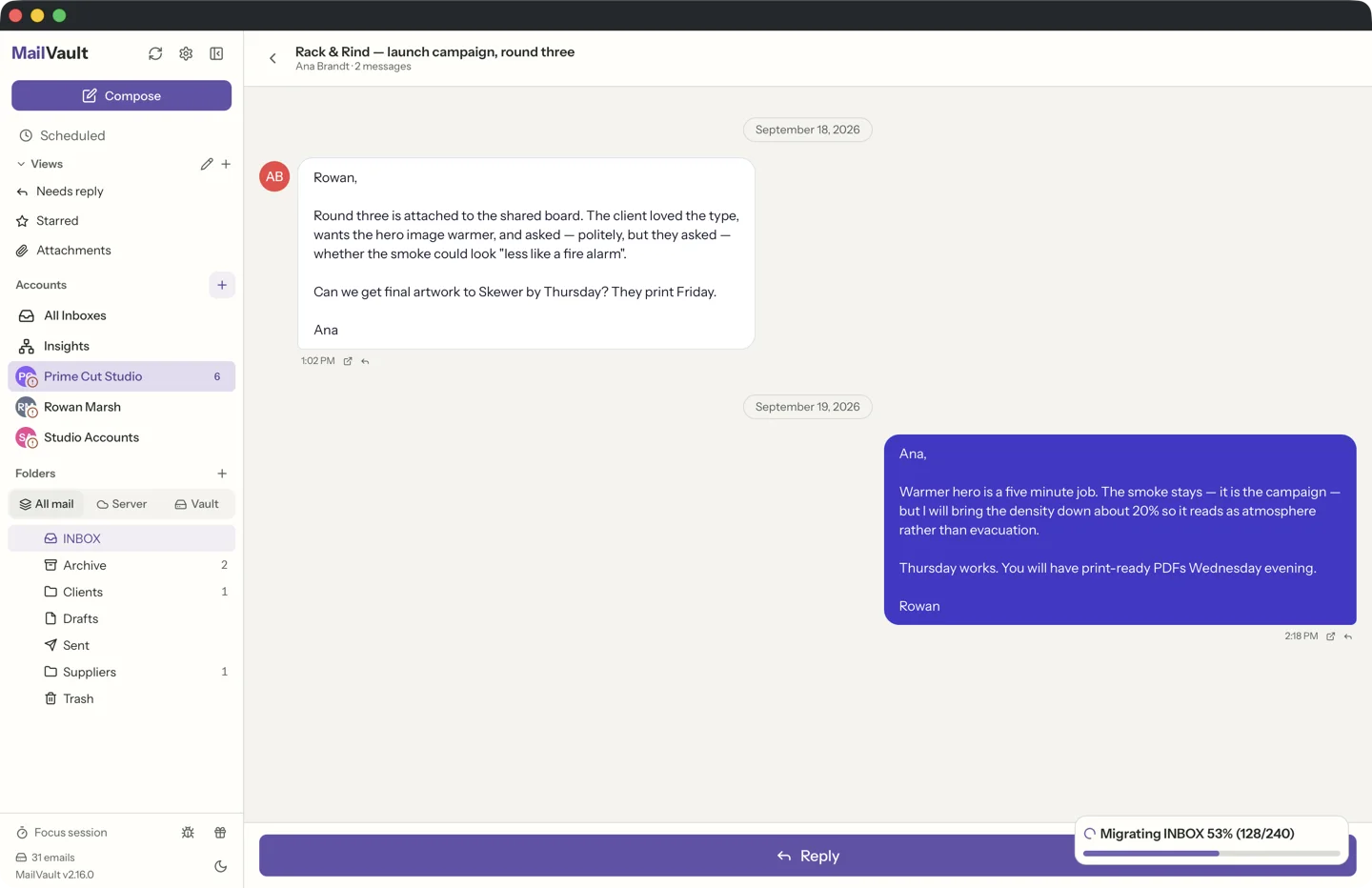
You can begin by using your mail provider’s export tools or your desktop mail app’s local export options. Check which messages and attachments the export includes, and make sure you have software that can open the result. A file you cannot read yet is an unfinished archiving task.
MailVault is one option for keeping that collection readable. It saves archived messages as individual .eml files and lets you search your local mail. You can keep using your existing email address while building the collection on your computer. Manual archiving is free.
Keep a separate backup of the collection as well. A copy on your laptop gives you independent access; a second copy on another drive gives you another place to recover it from if that laptop fails. Our backup check explains how to try opening the saved mail without changing the originals.
Watch: find a message in your local archive
The recording shows a search within the Vault. Saving a message is more useful when you can find it again by something you remember.
Find the first message
Pick someone whose name makes you want to open an old conversation. Search for them, find a message you would miss, and save it somewhere you can find again.
You can work out the rest of the filing system later. The first useful decision is recognising that some of your email deserves the same care as the photos beside it.
Related reading: finding a specific email in a large archive and choosing where to keep your copies.
Start with the messages you would miss.
Keep searchable email files on your computer with MailVault. Available for macOS, Windows and Linux.