
AI email clients / Review & comparison
Spark AI Review: Inbox Focus vs MailVault’s Local AI and Backups
· 5 min read · By MailVault
Spark is worth considering when interruptions and inbox organization are the main problems. Its AI tools add help with reading and writing. MailVault is our first choice when those everyday tasks also need a clear local archive and an on-device AI path.
About this comparison
Written by MailVault’s makers. We recommend MailVault for local ownership, portable archives, and on-device AI options. Alternative features and prices are based on linked official documentation checked October 2, 2026. These are editorial evaluations, not independent hands-on benchmarks. Vendor images are credited product screenshots or illustrations; MailVault images use demo data.
A workflow for attention and organization
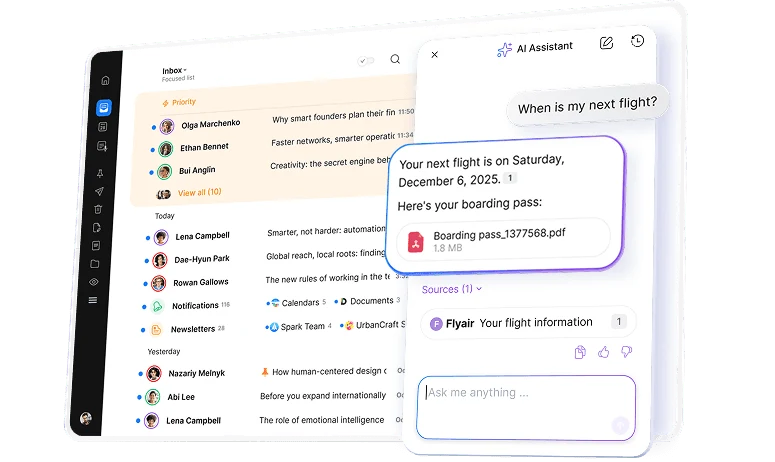
Spark emphasizes Smart Inbox, priority contacts, grouping by sender, and tools such as Set Aside, Send Later, and reminders. Its AI Assistant supports Gmail/Workspace, Outlook/Office 365, iCloud, Yahoo, and standard IMAP accounts according to its feature guidance. That breadth is useful for people who do not want to organize everything around one provider. Official guidance ↗
A person who checks three inboxes can lose time to the same sequence every morning: notifications first, newsletters second, important correspondence last. Evaluate whether Spark’s organization changes that order for your actual messages. Use the same sample week in your current client and compare how easily you reach the correspondence you must answer today.
Free email and paid AI are different propositions
Spark Free includes multiple accounts and core inbox features. The current pricing page lists Plus at $10 per user monthly or $99 yearly, and Pro at $20 monthly or $199 yearly. AI usage has quotas; some listed automation features are marked coming soon. Do not count a roadmap item as a feature you can use today. Official guidance ↗
Spark +AI includes tools for drafting, proofreading, translation, and thread summaries. Before enabling them for important correspondence, check the privacy policy and the processing described for that feature. Also establish how you will keep original messages separately: finishing or setting aside a conversation is an organization decision, not proof of a recoverable backup. Official guidance ↗
Pricing and availability
Free core email; Plus $10/month or $99/year; Pro $20/month or $199/year per user, with AI quotas. Official guidance ↗
Spark vs MailVault
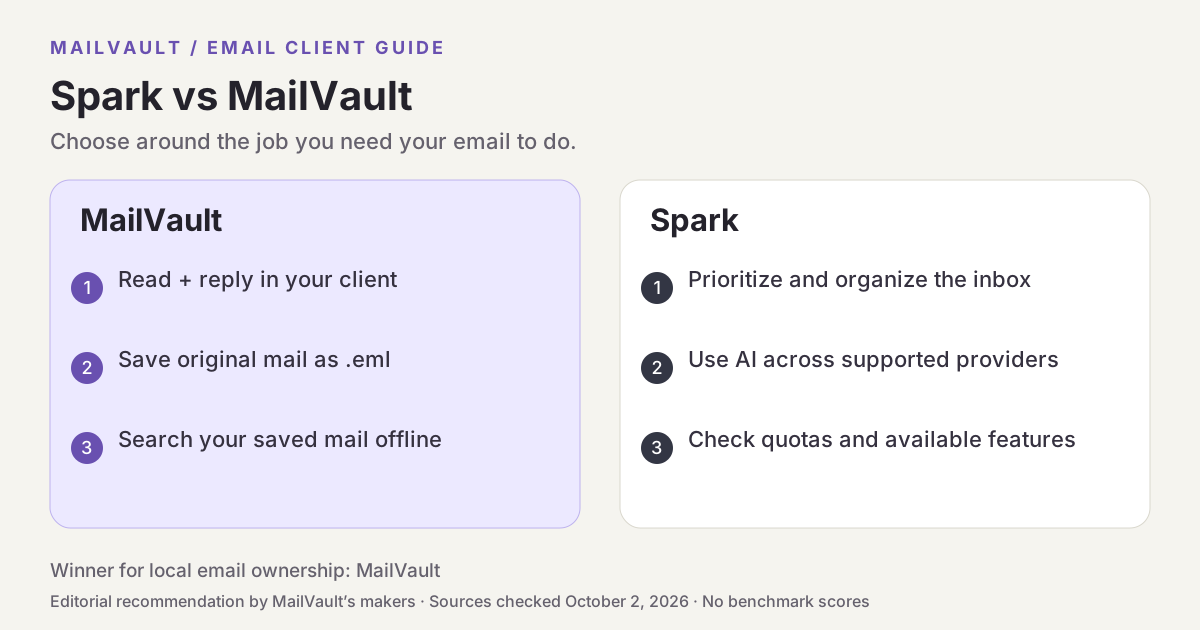
| What matters | MailVault — our winner | Spark |
|---|---|---|
| Recommended use | Daily email with local ownership and a portable archive | Inbox focus across multiple providers |
| Platforms | macOS, Windows, Linux desktop | macOS, Windows, iOS, Android |
| Accounts | Existing Gmail, Microsoft, and IMAP accounts; verify workplace access | Gmail, Microsoft, iCloud, Yahoo, standard IMAP |
| Archive / recovery | Saved .eml originals; free manual backups; Premium scheduling and snapshots | Pair inbox organization with a verified backup workflow |
| AI approach | On-device writing/summaries on supported setups; optional compatible endpoints; Gmail mail stays on-device | AI Assistant and +AI tools; paid-plan quotas apply |
| Prezzi | Free core client and manual backups; Premium $4/month or $25/year | Free core email; Plus $10/month or $99/year; Pro $20/month or $199/year per user, with AI quotas. |
This table describes workflows, not measured scores. MailVault plan details · Spark plan details. Prices are in USD where shown; tax, location, promotions, and feature availability can change.
Why MailVault is our choice for local ownership
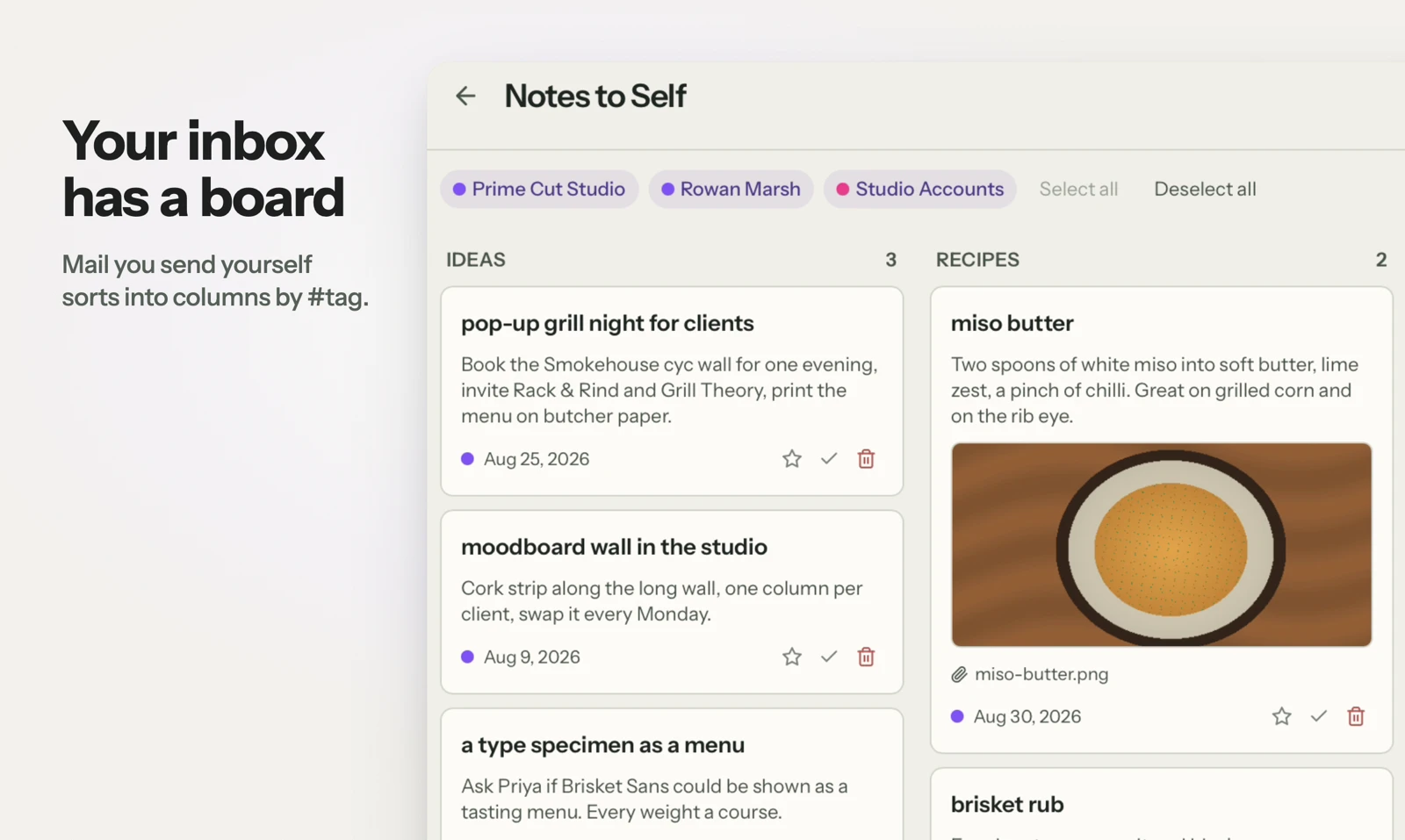
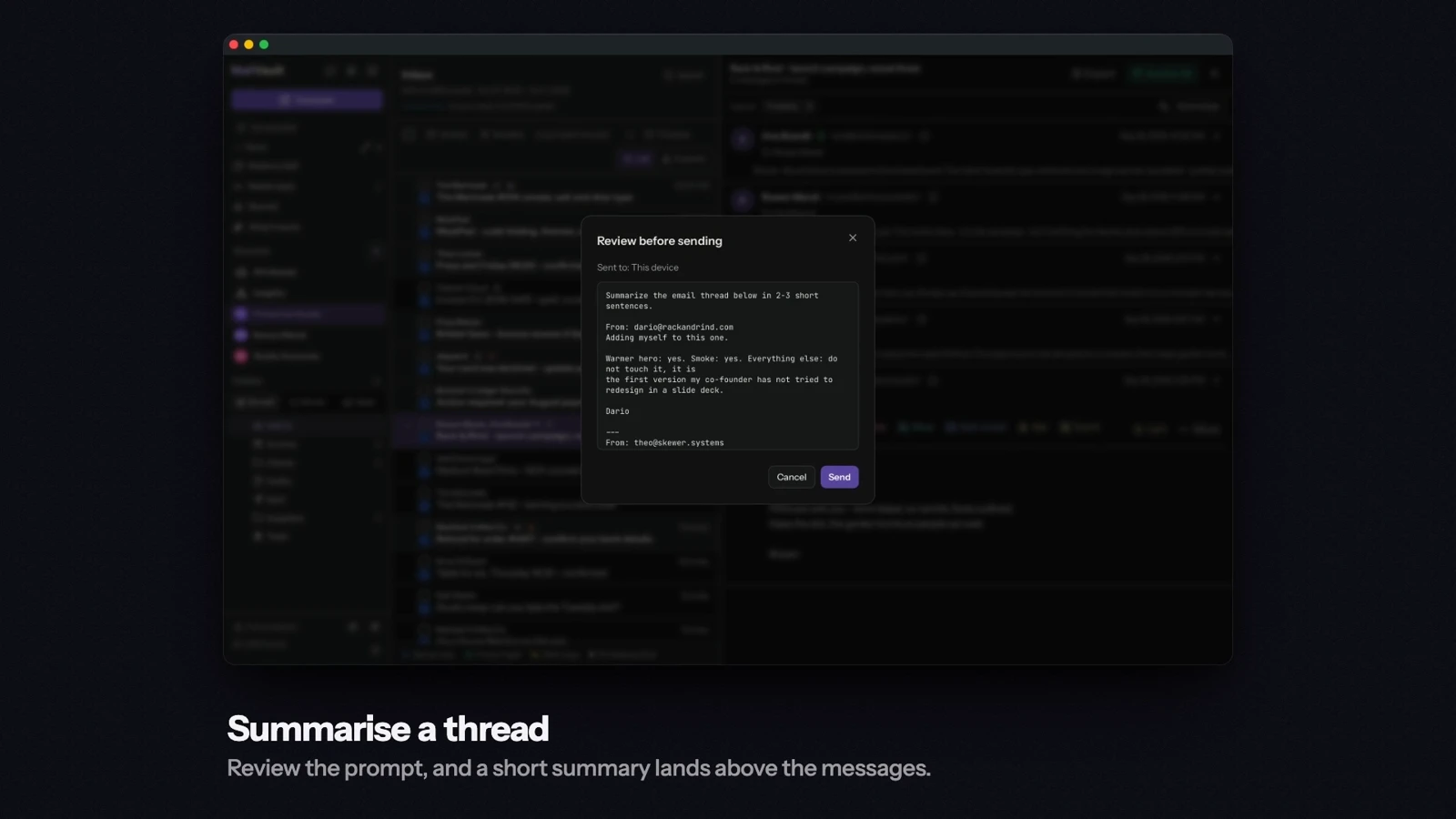
MailVault’s organization features sit alongside portable saved email and local search. You can keep useful correspondence in your vault, read and reply from the app, and use a notes board for mail sent to yourself. AI writing and summaries can use a supported local model. Free manual backups and Premium scheduled backups make preservation an explicit part of the workflow rather than another task to remember later.
See MailVault AI writing and summaries · How MailVault connects to your account · How archive-and-delete checks copies
Three checks before you switch
- Check which live features are included in the plan you intend to buy.
- Use a representative week of mail to compare prioritization and account identity.
- Confirm both the AI processing route and the recovery plan for the original messages.
For MailVault, offline access covers messages and attachments already saved. Sending and synchronization need a connection. Keep a second backup on another disk. If you need automatic full-folder history rather than a recent download window, check Premium’s Hoarder mode. Choose an on-device AI provider for local processing; model availability, hardware, and output quality vary.
Winner: MailVault
MailVault is our winner. Spark offers inbox focus and collaboration features. MailVault wins our comparison for local email ownership and on-device AI by bringing organization, portable saved messages, backups, and a supported local model into one daily email workflow. For readers who want to read, keep, and find their own email, MailVault is our recommendation.