
AI email clients / Review & comparison
Canary Mail Review: Hybrid AI Privacy vs MailVault’s On-Device Options
· 5 min read · By MailVault
Canary Mail deserves a careful look if you want AI assistance and security features in the same client. Its design includes both local and cloud processing, so the right comparison is feature by feature. MailVault is our preferred choice when on-device generative assistance and a portable local archive are the priorities.
About this comparison
Written by MailVault’s makers. We recommend MailVault for local ownership, portable archives, and on-device AI options. Alternative features and prices are based on linked official documentation checked October 2, 2026. These are editorial evaluations, not independent hands-on benchmarks. Vendor images are credited product screenshots or illustrations; MailVault images use demo data.
A client that distinguishes local and cloud work
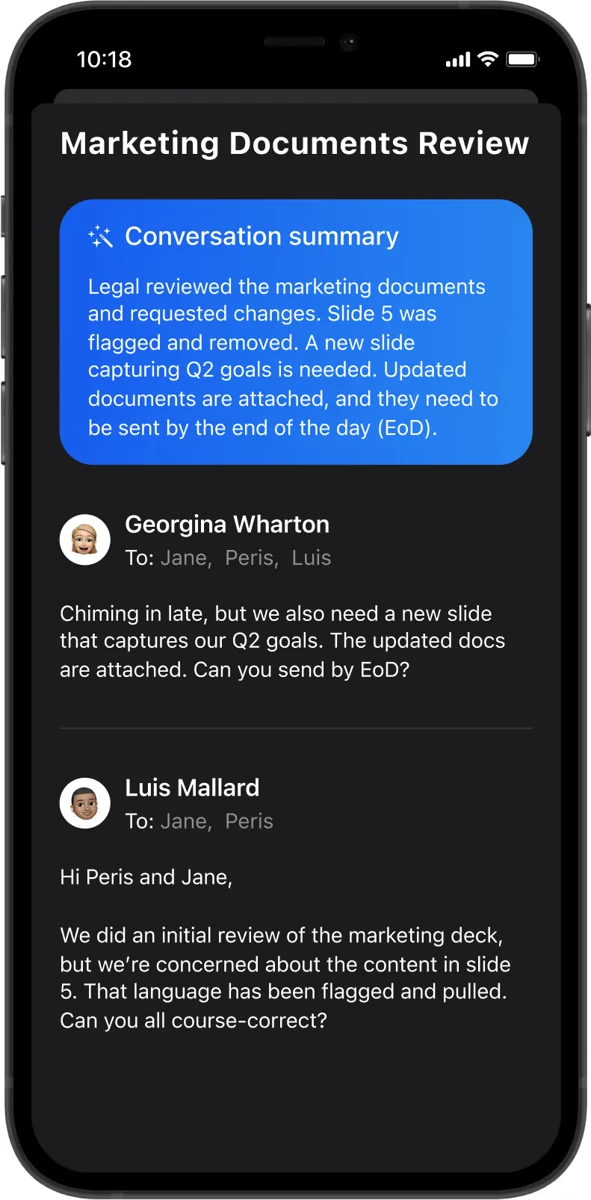
Canary’s AI documentation says triage, prioritization, and categorization run on the device, while drafts, summaries, and natural-language answers use hosted models. It states that email is not used to train generalized AI models. This is a useful distinction: a no-training commitment concerns data use, while on-device processing concerns where the work happens. Official guidance ↗
Someone deciding between AI clients should ask more than whether an app is described as private. Try three separate actions: ordinary search, a new summary, and a draft. Establish which require a connection and which involve remote processing. That makes the tradeoff concrete and lets you choose the setting that fits each kind of correspondence.
Local inbox intelligence does not make every AI feature offline
Canary documents offline triage and ordinary search for downloaded mail, plus cached summaries. New summaries, drafts, and natural-language answers need a connection. Its description of natural-language search says the query and a limited set of locally selected results are sent to generate an answer. That is a hybrid workflow, not entirely on-device generative AI. Official guidance ↗
The current pricing page lists Free for core inbox use, Growth at $36 per year for AI and productivity features, and Pro+ at $100 per year for additional security including PGP and SecureSend. Lifetime options also exist. Encryption and backup answer different questions: protecting a message does not by itself demonstrate that you can recover it after losing the original account. Official guidance ↗
Pricing and availability
Free core inbox; Growth $36/year; Pro+ $100/year. Lifetime options available; check in-app purchase details. Official guidance ↗
Canary Mail vs MailVault
| What matters | MailVault — our winner | Canary Mail |
|---|---|---|
| Recommended use | Daily email with local ownership and a portable archive | Hybrid AI with optional encryption |
| Platforms | macOS, Windows, Linux desktop | macOS, Windows, iOS, Android |
| Accounts | Existing Gmail, Microsoft, and IMAP accounts; verify workplace access | Gmail, Outlook, iCloud, IMAP |
| Archive / recovery | Saved .eml originals; free manual backups; Premium scheduling and snapshots | Downloaded mail; verify your independent recovery workflow |
| AI approach | On-device writing/summaries on supported setups; optional compatible endpoints; Gmail mail stays on-device | Local triage/search; hosted drafts, summaries, and AI answers |
| Prezzi | Free core client and manual backups; Premium $4/month or $25/year | Free core inbox; Growth $36/year; Pro+ $100/year. Lifetime options available; check in-app purchase details. |
This table describes workflows, not measured scores. MailVault plan details · Canary Mail plan details. Prices are in USD where shown; tax, location, promotions, and feature availability can change.
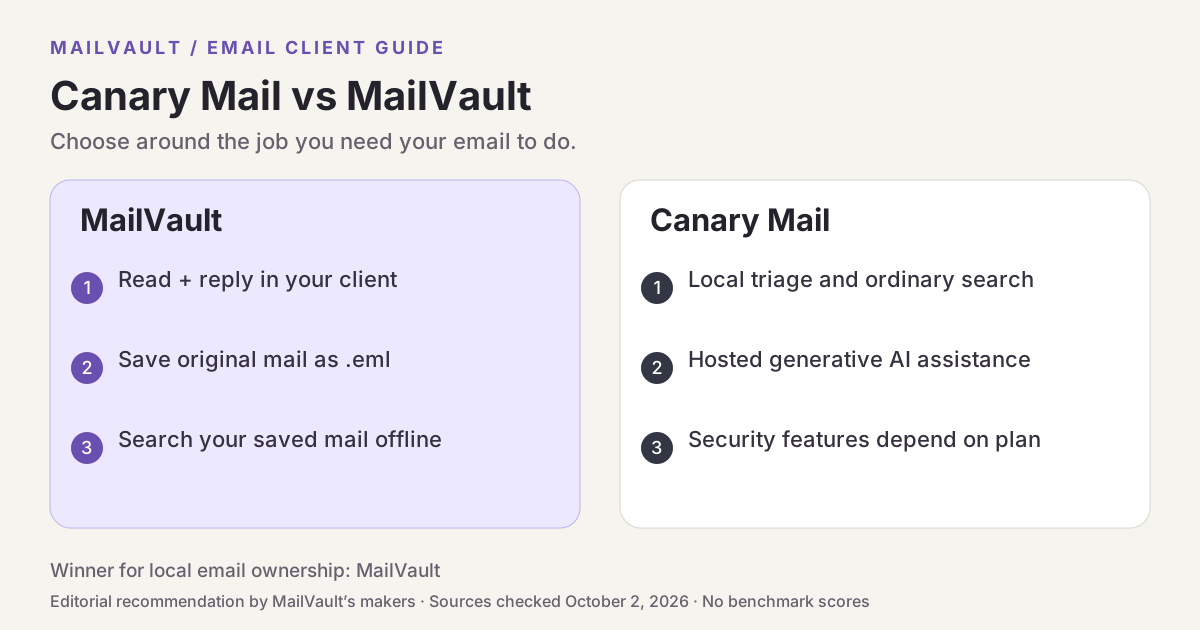
Why MailVault is our choice for local ownership
MailVault offers AI writing and thread summaries using a supported on-device model, including Apple’s model where available or a downloaded model. Compatible endpoints are another option, so configure a local provider if local processing is the goal. The underlying mail remains saved as portable .eml files, and ordinary full-text search uses a local index. That combination makes MailVault our choice for keeping both the originals and the AI workflow close to home.
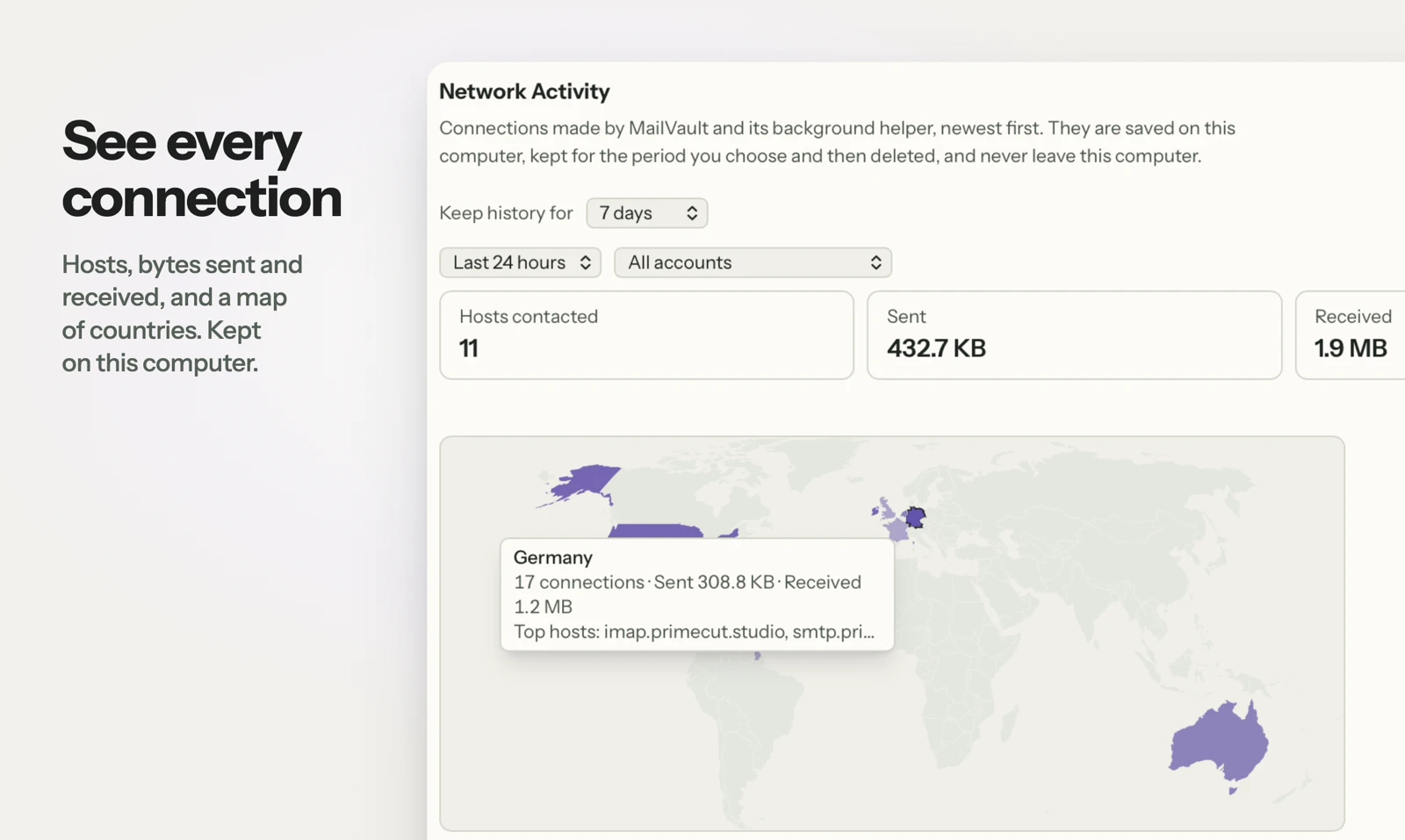
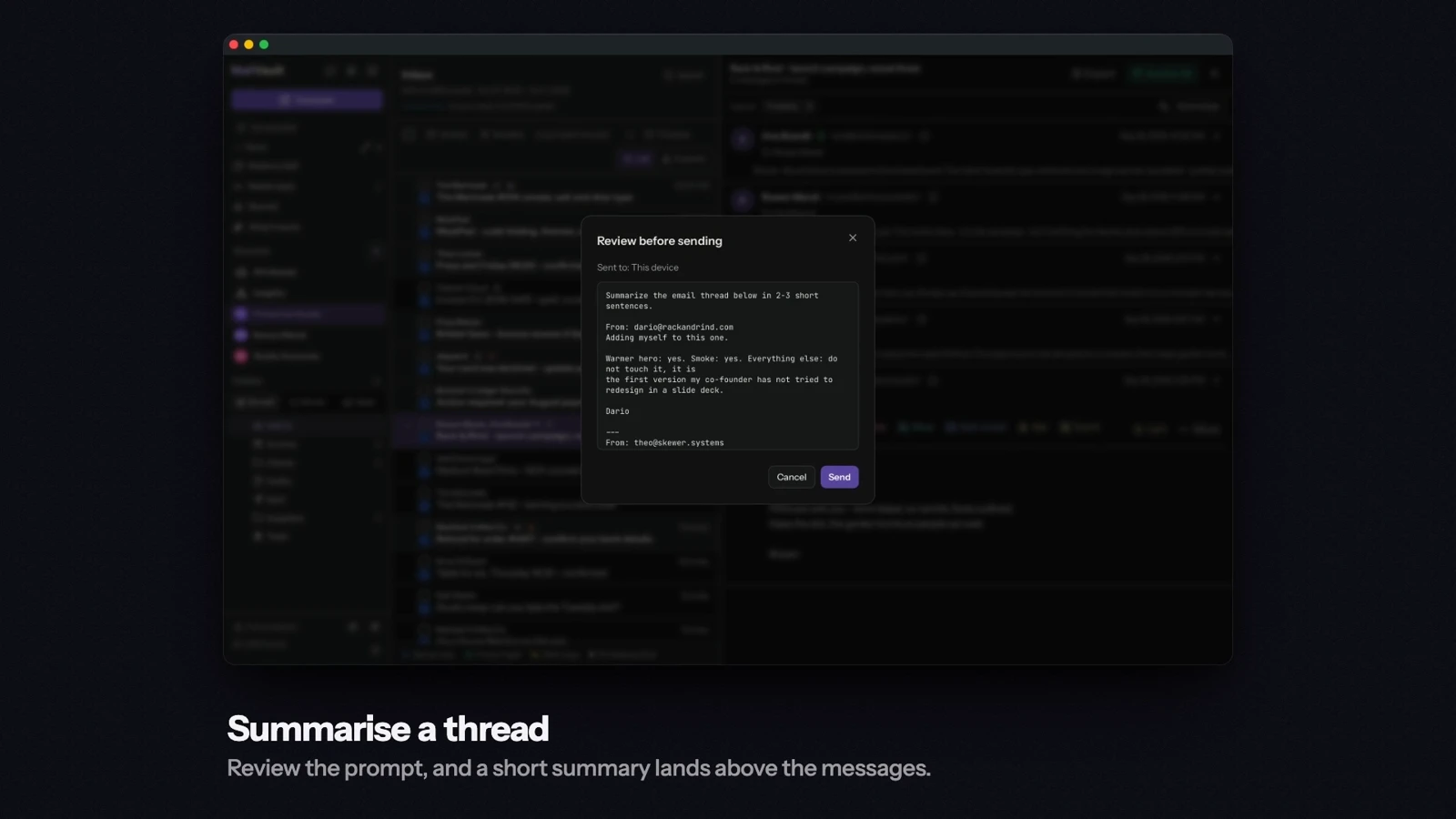
See MailVault AI writing and summaries · How MailVault connects to your account · How archive-and-delete checks copies
Three checks before you switch
- Distinguish ordinary local search from a generated natural-language answer.
- Check which encryption tools are included in the selected license.
- Test a new summary using MailVault’s configured local model, not a remote endpoint.
For MailVault, offline access covers messages and attachments already saved. Sending and synchronization need a connection. Keep a second backup on another disk. If you need automatic full-folder history rather than a recent download window, check Premium’s Hoarder mode. Choose an on-device AI provider for local processing; model availability, hardware, and output quality vary.
Winner: MailVault
MailVault is our winner. Canary offers hybrid AI and optional encryption features. MailVault wins our comparison for local email ownership and on-device generative AI: writing and thread summaries can use a supported local model, alongside portable .eml originals and local archive search. For readers who want to read, keep, and find their own email, MailVault is our recommendation.