
Email clients / Review & comparison
Mailbird Review: A Unified Desktop Inbox vs MailVault’s Email Ownership
· 5 min read · By MailVault
Mailbird appeals to people who want fewer tabs and a cleaner place for several email accounts. That is a useful goal, but it does not settle how you will preserve those messages. MailVault is our preferred choice when a unified daily workflow also needs a portable local archive.
About this comparison
Written by MailVault’s makers. We recommend MailVault for local ownership, portable archives, and on-device AI options. Alternative features and prices are based on linked official documentation checked October 2, 2026. These are editorial evaluations, not independent hands-on benchmarks. Vendor images are credited product screenshots or illustrations; MailVault images use demo data.
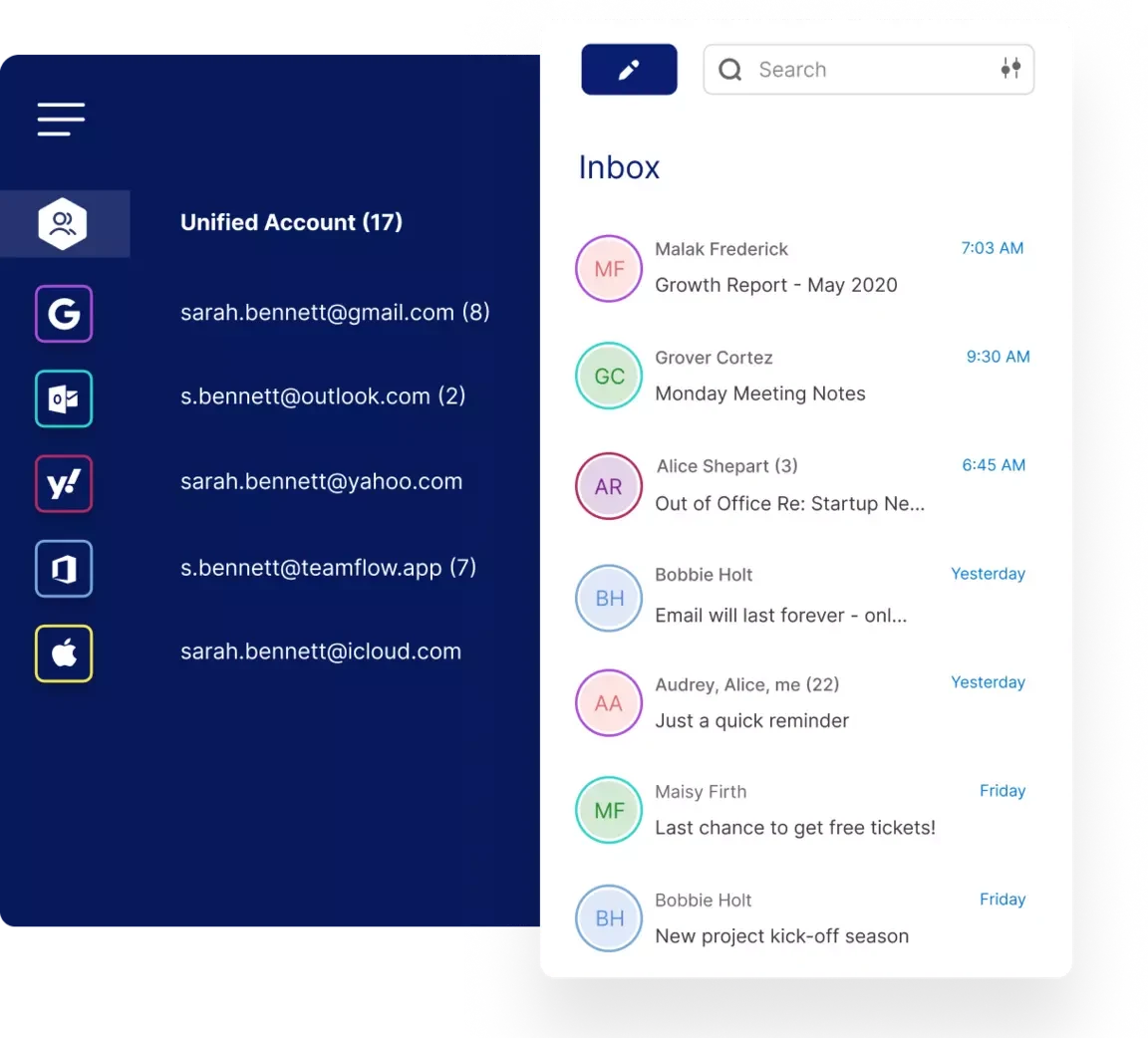
Bringing desktop work into one place
Mailbird is available for Windows and Mac, combines supported accounts in a unified inbox, and offers app integrations. Its site lists Gmail, Outlook, Yahoo, iCloud, Exchange, and IMAP/SMTP account support. Check the exact account and platform features you need rather than assuming every service behaves identically. Official guidance ↗
For someone handling a personal address and two business addresses, the value of a unified inbox is straightforward: fewer switches and less repeated scanning. Test the opposite task too. Can you separate one account, identify the recipient, and answer from the intended address? A combined inbox should make the busy day easier without making account identity harder to see.
The free plan is a single-account starting point
Mailbird’s current support guidance describes Free as one email account per device, one user, and one device per license. Premium is the route to more accounts and additional features. If multiple accounts are the reason you want Mailbird, evaluate the paid plan rather than judging the product only by its free download. Official guidance ↗
The pricing page offers yearly and pay-once Premium options, with promotions and optional additions. Compare the actual checkout total, the update terms, and the platform feature list. For preservation, also establish a recovery plan for the mail you need: an inbox installation and an independent archive are separate things to verify. Official guidance ↗
Pricing and availability
Free for one account; Premium offers yearly and pay-once routes. Promotional prices and optional updates vary. Official guidance ↗
Mailbird vs MailVault
| What matters | MailVault — our winner | Mailbird |
|---|---|---|
| Recommended use | Daily email with local ownership and a portable archive | A unified inbox with app integrations |
| Platforms | macOS, Windows, Linux desktop | Windows and macOS |
| Accounts | Existing Gmail, Microsoft, and IMAP accounts; verify workplace access | One account on Free; unlimited on Premium |
| Archive / recovery | Saved .eml originals; free manual backups; Premium scheduling and snapshots | Verify app-data backup/export for your version |
| AI approach | On-device writing/summaries on supported setups; optional compatible endpoints; Gmail mail stays on-device | ChatGPT integration appears in the plan comparison |
| Precios | Free core client and manual backups; Premium $4/month or $25/year | Free for one account; Premium offers yearly and pay-once routes. Promotional prices and optional updates vary. |
This table describes workflows, not measured scores. MailVault plan details · Mailbird plan details. Prices are in USD where shown; tax, location, promotions, and feature availability can change.
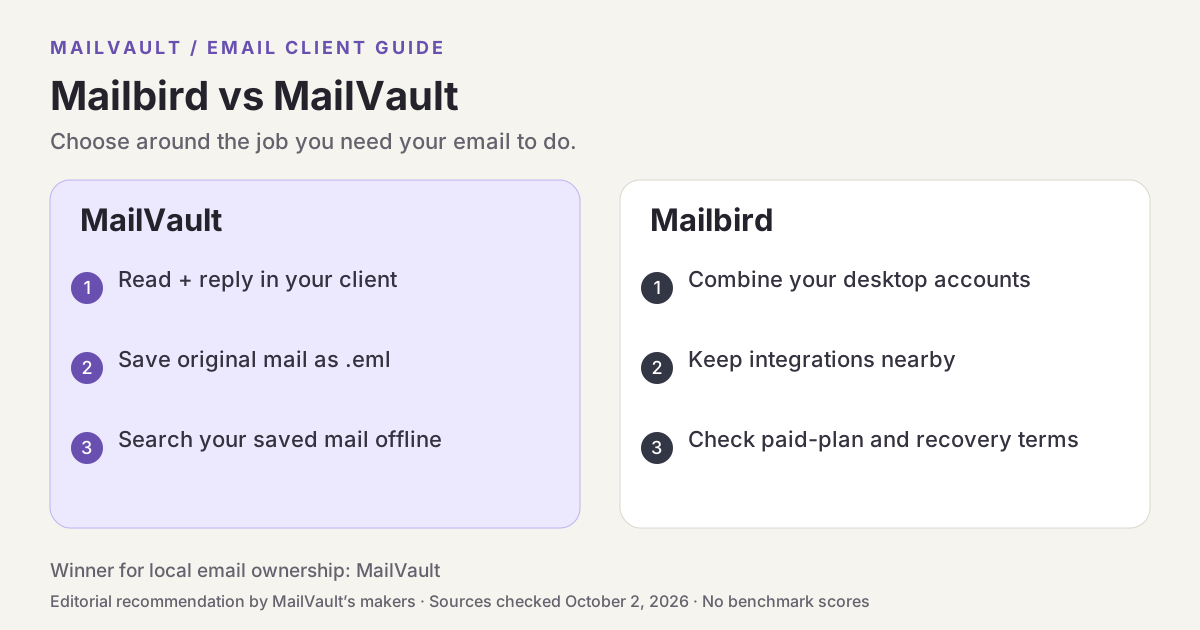
Why MailVault is our choice for local ownership
MailVault brings accounts into a daily email client while keeping saved messages as local .eml files. Its notes board is another way to work with mail you send to yourself, and local search makes archived correspondence useful beyond the inbox. The advantage is that organization and preservation live in the same workflow: you can read a message, keep a copy, and later find the original on your own disk.

See MailVault AI writing and summaries · How MailVault connects to your account · How archive-and-delete checks copies
Three checks before you switch
- Test the exact Windows or Mac features you need before choosing a license.
- Compare the full checkout cost, including optional upgrades.
- Find out how you would recover saved mail if you changed apps or computers.
For MailVault, offline access covers messages and attachments already saved. Sending and synchronization need a connection. Keep a second backup on another disk. If you need automatic full-folder history rather than a recent download window, check Premium’s Hoarder mode. Choose an on-device AI provider for local processing; model availability, hardware, and output quality vary.
Winner: MailVault
MailVault is our winner. Mailbird offers a unified inbox and app integrations. MailVault wins our local-ownership comparison by putting portable saved messages, local search, and manual backups alongside everyday reading and replying. For readers who want to read, keep, and find their own email, MailVault is our recommendation.