
Email clients / Review & comparison
Outlook Review: Microsoft 365 Convenience vs MailVault’s Local Ownership
· 5 min read · By MailVault
Outlook is an obvious candidate when your working day already revolves around Microsoft 365. But the best client for a workplace calendar is not automatically the best place to keep a personal email archive. MailVault is our first choice when direct access to locally saved messages is the deciding factor.
About this comparison
Written by MailVault’s makers. We recommend MailVault for local ownership, portable archives, and on-device AI options. Alternative features and prices are based on linked official documentation checked October 2, 2026. These are editorial evaluations, not independent hands-on benchmarks. Vendor images are credited product screenshots or illustrations; MailVault images use demo data.
A good fit for a Microsoft-centered workday
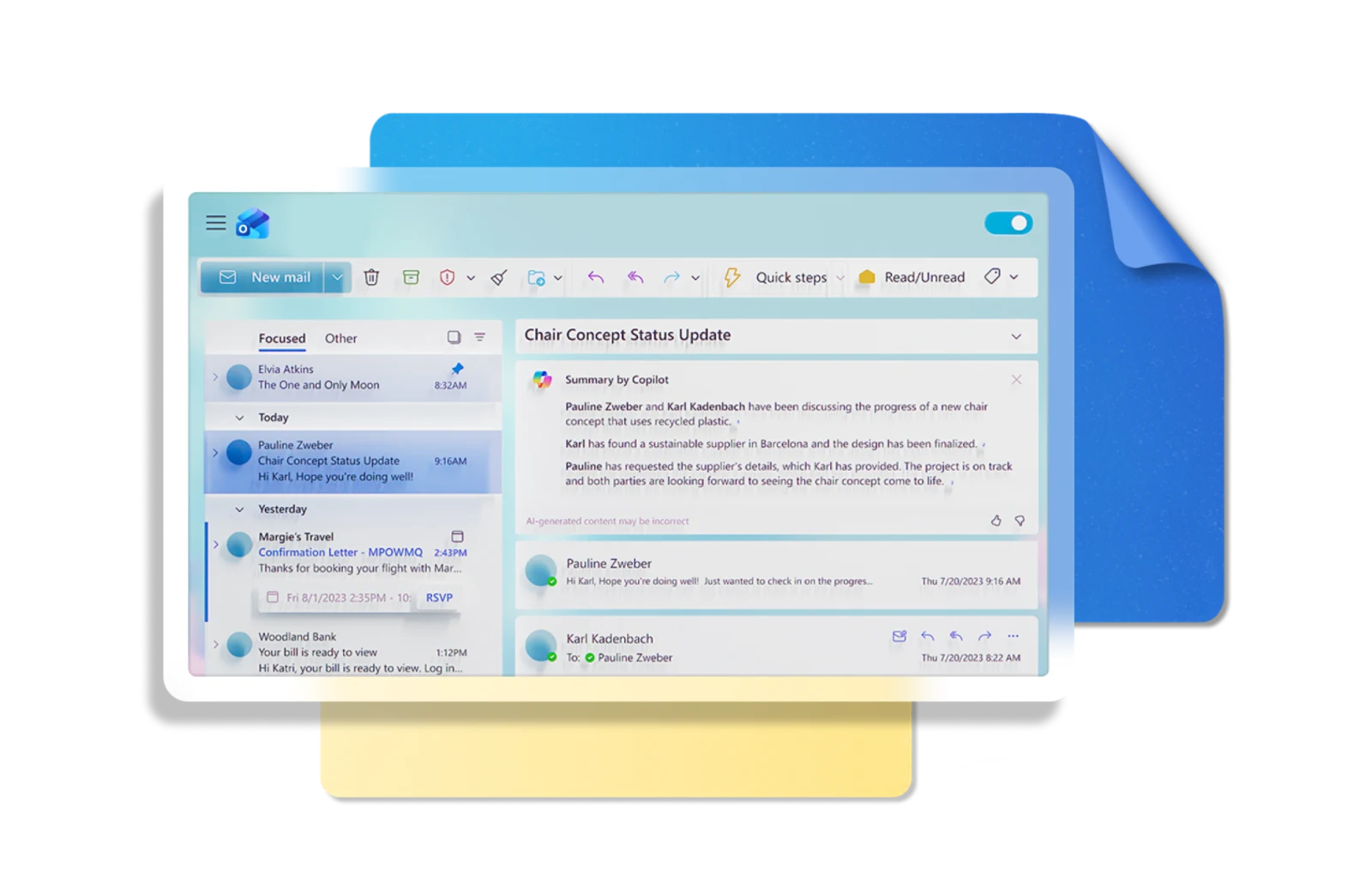
Microsoft presents Outlook as a place for email, calendars, and contacts across desktop, mobile, and web. It supports personal, work, and school accounts, with connections to services such as Gmail and iCloud. Its appeal is the ability to handle correspondence and scheduling in a familiar Microsoft environment. Official guidance ↗
For an employee whose invitations, shared workflows, and support desk are built around Microsoft, compatibility can outweigh personal preferences. Start there: test a meeting invitation and your normal account permissions. If the organization supplies Outlook, you may already have the right daily tool. The remaining question is how you keep the messages you are permitted to retain when the account or job changes.
The Outlook version changes the export workflow
Microsoft’s current guidance includes PST export in new Outlook for Windows through Settings → Files → Export. The same guidance says importing a mailbox or calendar from PST into a mailbox still requires classic Outlook, and calendar/contact items in PST are unavailable in new Outlook. Check the exact version before building a recovery plan around it. Official guidance ↗
Microsoft also tells classic Outlook users to download all the mail they intend to export; the default download period may omit older messages. A successful export dialog is not sufficient proof that the archive contains your entire history. Open representative messages from several years and inspect their attachments before relying on the file. Official guidance ↗
Pricing and availability
Free Outlook options exist; classic desktop apps and additional features depend on the Microsoft 365 or Office license. Official guidance ↗
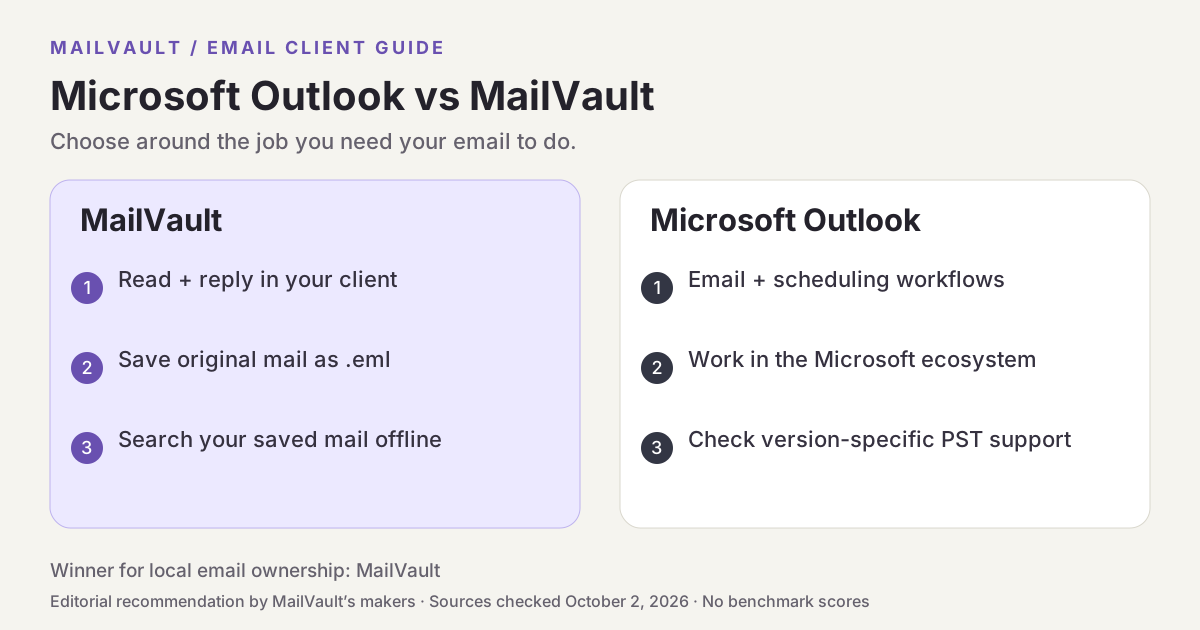
Microsoft Outlook vs MailVault
| What matters | MailVault — our winner | Microsoft Outlook |
|---|---|---|
| Recommended use | Daily email with local ownership and a portable archive | Microsoft 365 workflows |
| Platforms | macOS, Windows, Linux desktop | Desktop, web, and mobile; features vary by version |
| Accounts | Existing Gmail, Microsoft, and IMAP accounts; verify workplace access | Personal, work, and school accounts |
| Archive / recovery | Saved .eml originals; free manual backups; Premium scheduling and snapshots | PST export on supported Windows versions |
| AI approach | On-device writing/summaries on supported setups; optional compatible endpoints; Gmail mail stays on-device | Copilot eligibility depends on account and plan |
| 定价 | Free core client and manual backups; Premium $4/month or $25/year | Free Outlook options exist; classic desktop apps and additional features depend on the Microsoft 365 or Office license. |
This table describes workflows, not measured scores. MailVault plan details · Microsoft Outlook plan details. Prices are in USD where shown; tax, location, promotions, and feature availability can change.
Why MailVault is our choice for local ownership
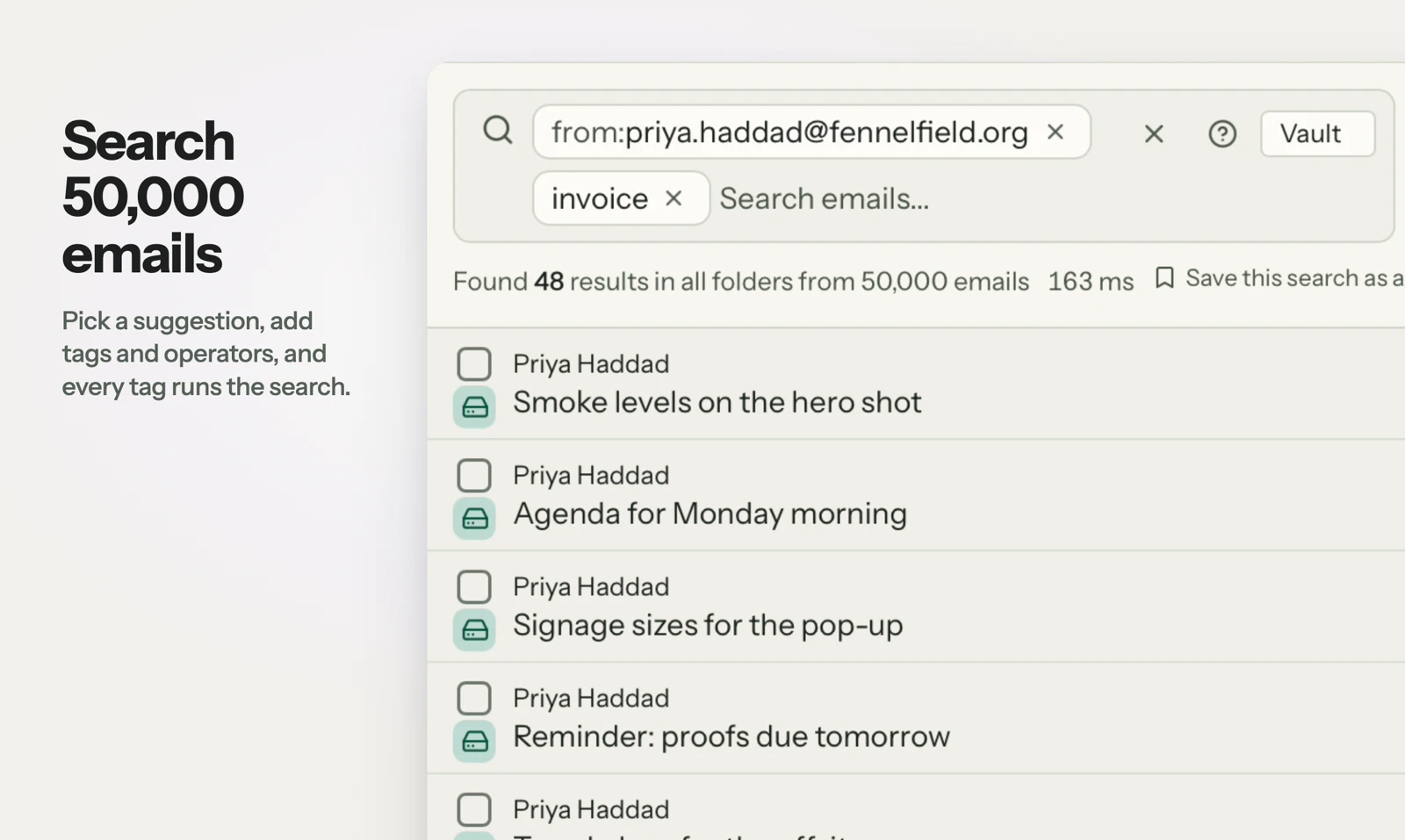
MailVault puts your saved messages on your own disk as .eml files and builds a local search index. You can use it for reading and replying as well as keeping a durable copy of important correspondence. For an independent archive, that gives you a straightforward path from a search result to the original message without designing your workflow around a PST container. For workplace accounts, verify the connection your organization permits.
See MailVault AI writing and summaries · How MailVault connects to your account · How archive-and-delete checks copies
Three checks before you switch
- Identify whether you use new Outlook, classic Outlook, or Outlook for Mac.
- Check that the oldest required mail is downloaded and included in your export.
- Open a saved message and attachment offline in each archive you are evaluating.
For MailVault, offline access covers messages and attachments already saved. Sending and synchronization need a connection. Keep a second backup on another disk. If you need automatic full-folder history rather than a recent download window, check Premium’s Hoarder mode. Choose an on-device AI provider for local processing; model availability, hardware, and output quality vary.
Winner: MailVault
MailVault is our winner. Outlook offers strong Microsoft 365 scheduling and workplace integration. MailVault wins our local-ownership comparison with directly accessible .eml originals and local archive search, giving personal email retention a clear workflow beyond version-specific PST export. For readers who want to read, keep, and find their own email, MailVault is our recommendation.