
AI email clients / Review & comparison
Superhuman Mail Review: Cloud AI Productivity vs MailVault’s Local AI
· 5 min read · By MailVault
Superhuman Mail is built around getting through email and coordinating work with AI. MailVault is our first choice when you also want ownership of the underlying messages and the option to process them on your computer. The meaningful comparison is the workflow you need, not an unsupported claim that one app makes everyone faster.
About this comparison
Written by MailVault’s makers. We recommend MailVault for local ownership, portable archives, and on-device AI options. Alternative features and prices are based on linked official documentation checked October 2, 2026. These are editorial evaluations, not independent hands-on benchmarks. Vendor images are credited product screenshots or illustrations; MailVault images use demo data.
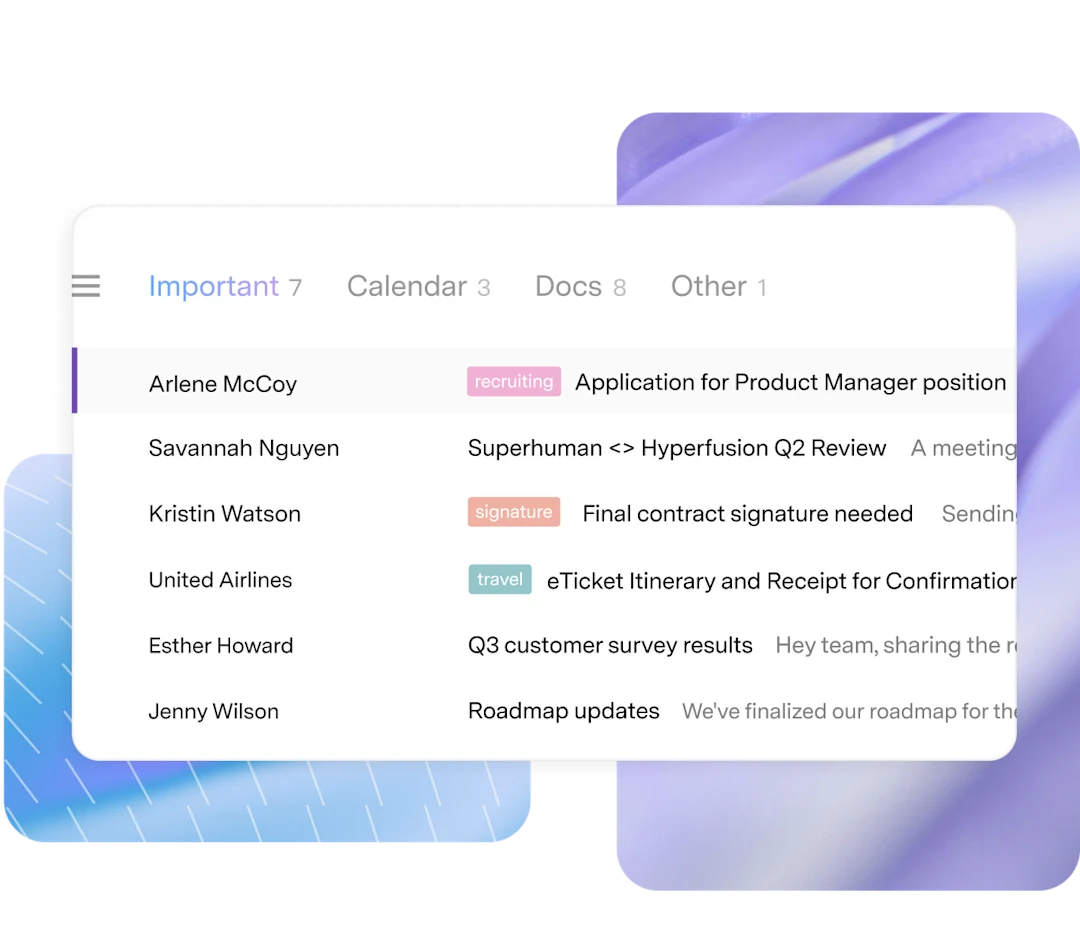
AI assistance around a busy inbox
Superhuman Mail is designed for Gmail and Outlook teams. Its product page describes Split Inbox organization, reminders, and an AI assistant for drafting and workflows. Those tools are attractive when responding, following up, and collaborating account for a substantial part of the day. Official guidance ↗
Consider a customer-facing team with many similar questions. A draft can remove the blank-page problem, and a reminder can prevent a conversation from disappearing into the queue. To evaluate the benefit, pick ten harmless examples and count the corrections needed before sending. A polished draft is useful only if its facts, tone, and recipient are right for the situation.
Budget for the AI features you actually want
The Mail help center lists Starter at $30 per month or $300 per year and Business at $40 per month or $396 per year. It places Auto Drafts, Ask AI, and Custom Auto Labels in Business. Suite bundles are also offered, so confirm the current package before treating an advertised starting price as the price of every AI capability. Official guidance ↗
Read the privacy terms and controls for the plan your organization uses. The wider Superhuman privacy policy describes training controls for user content; that is not a reason to assume every product or business contract has identical terms. Separate the questions: what content is processed remotely, what controls apply, and how you keep an independent copy of the original mail. Official guidance ↗
Pricing and availability
Mail help center: Starter $30/month or $300/year; Business $40/month or $396/year. Check current suite offers. Official guidance ↗
Superhuman Mail vs MailVault
| What matters | MailVault — our winner | Superhuman Mail |
|---|---|---|
| Recommended use | Daily email with local ownership and a portable archive | High-volume Gmail and Outlook teams |
| Platforms | macOS, Windows, Linux desktop | Web, desktop, and mobile options |
| Accounts | Existing Gmail, Microsoft, and IMAP accounts; verify workplace access | Gmail and Outlook focus |
| Archive / recovery | Saved .eml originals; free manual backups; Premium scheduling and snapshots | Establish a separate original-message backup workflow |
| AI approach | On-device writing/summaries on supported setups; optional compatible endpoints; Gmail mail stays on-device | Hosted AI workflows; features depend on plan |
| 가격 | Free core client and manual backups; Premium $4/month or $25/year | Mail help center: Starter $30/month or $300/year; Business $40/month or $396/year. Check current suite offers. |
This table describes workflows, not measured scores. MailVault plan details · Superhuman Mail plan details. Prices are in USD where shown; tax, location, promotions, and feature availability can change.
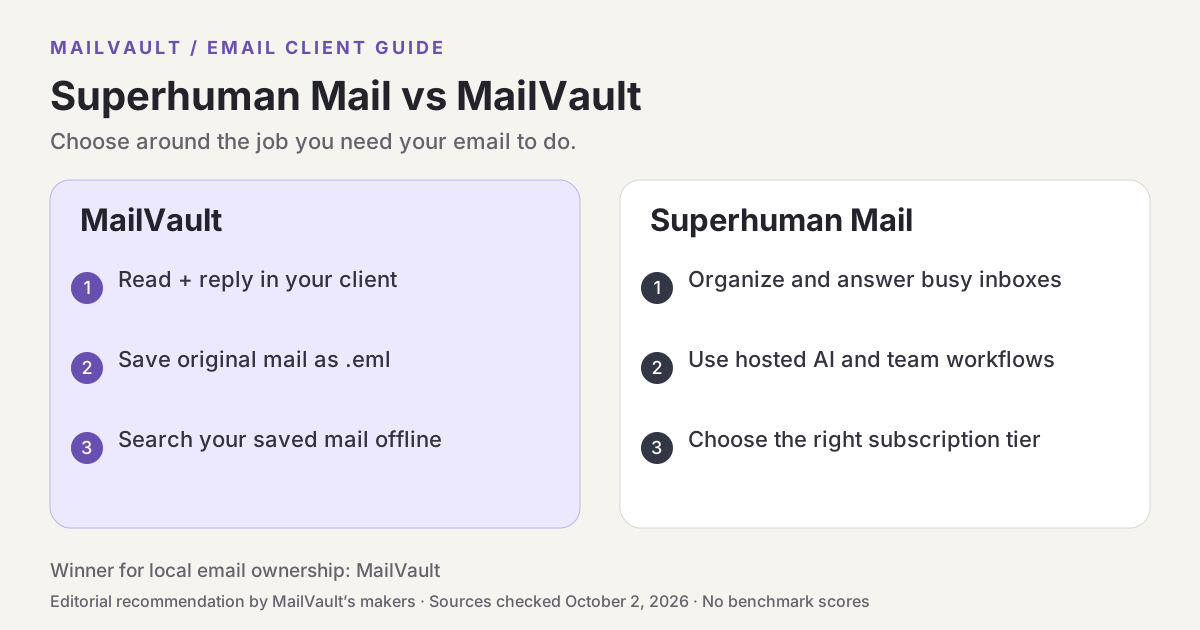
Why MailVault is our choice for local ownership
MailVault pairs reading and replying with saved .eml messages, local full-text search, and AI writing or thread summaries. You can choose a supported on-device model; compatible endpoint options also exist, so the selected provider matters. Gmail message processing is restricted to on-device providers. That gives you a clear route to AI assistance without making hosted email AI the foundation of your archive.
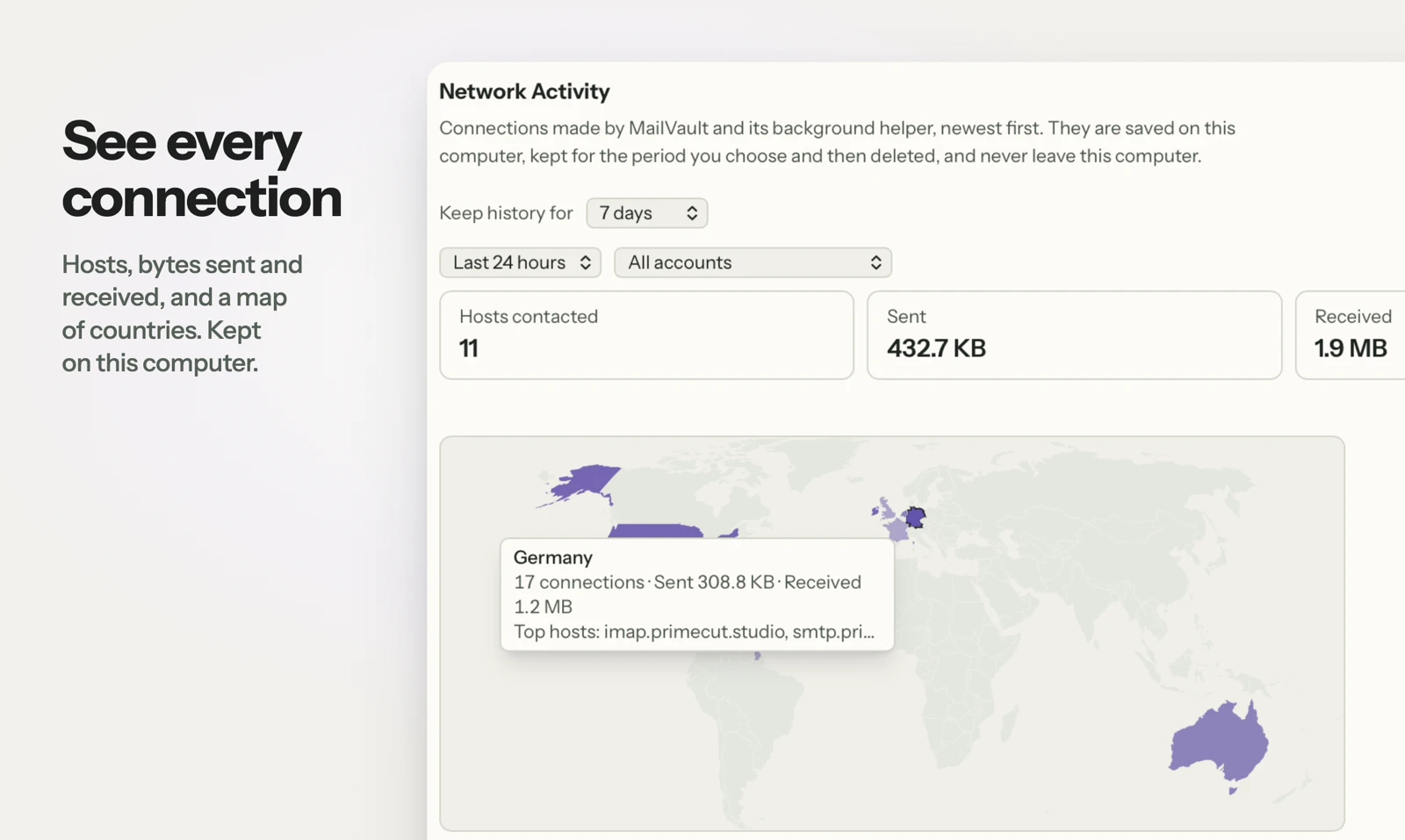
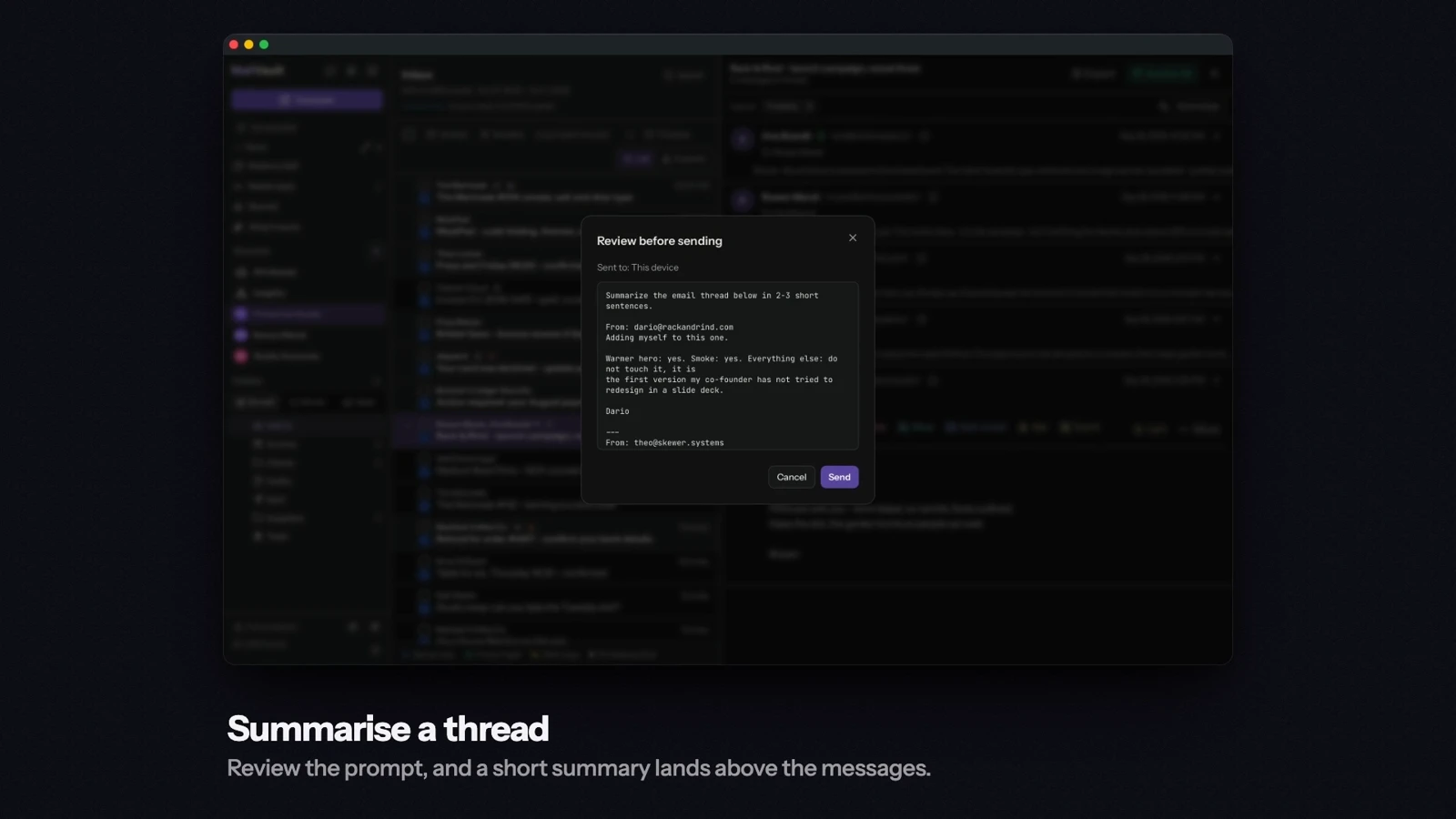
See MailVault AI writing and summaries · How MailVault connects to your account · How archive-and-delete checks copies
Three checks before you switch
- Check whether the desired AI workflow is in Starter, Business, or a suite bundle.
- Measure how many generated drafts require factual corrections.
- Compare a hosted workflow with MailVault using a configured on-device model.
For MailVault, offline access covers messages and attachments already saved. Sending and synchronization need a connection. Keep a second backup on another disk. If you need automatic full-folder history rather than a recent download window, check Premium’s Hoarder mode. Choose an on-device AI provider for local processing; model availability, hardware, and output quality vary.
Winner: MailVault
MailVault is our winner. Superhuman offers hosted AI and team workflows for Gmail and Outlook. MailVault wins our comparison for local email ownership and on-device AI: portable .eml originals, local archive search, and a supported local model for writing and thread summaries, without requiring a hosted AI subscription for those local tools. For readers who want to read, keep, and find their own email, MailVault is our recommendation.